Why your Gumroad page doesn't convert usually comes down to one mistake: you treated it as a long product description. But it's more like a storefront with six distinct jobs.
You spent weeks on the product, launched, but then "crickets"—no sales. This post spells out all 6 things you need to get right and fixes 3 of them today, free.
Your Product Page Is A Storefront, Not A Description Box
Walk past your favorite shop and you know within seconds what they sell, who it's for, and whether it's for you.
Your Gumroad page has to do the same work — and it's got more moving parts. Six of them: the window, the shelf talker, the price tag, the proof, the sign in the street, and the follow-up.
Window — that's your headline and cover. Does a cold visitor instantly get the outcome?
Shelf talker — your "You'll get" section. Can they skim the value in five seconds?
Price tag — a number that feels defensible, not plucked from the air.
Reviews — proof, placed where the doubt actually shows up.
Sign in the street — whether anyone searching ever finds the shop at all (Gumroad Discover and Google).
Follow-up — the email after the sale that gets the thing actually used.
Fill in only the description, and you've built a shop with no window display, no price tag, and no sign out front. No wonder people walk right past.
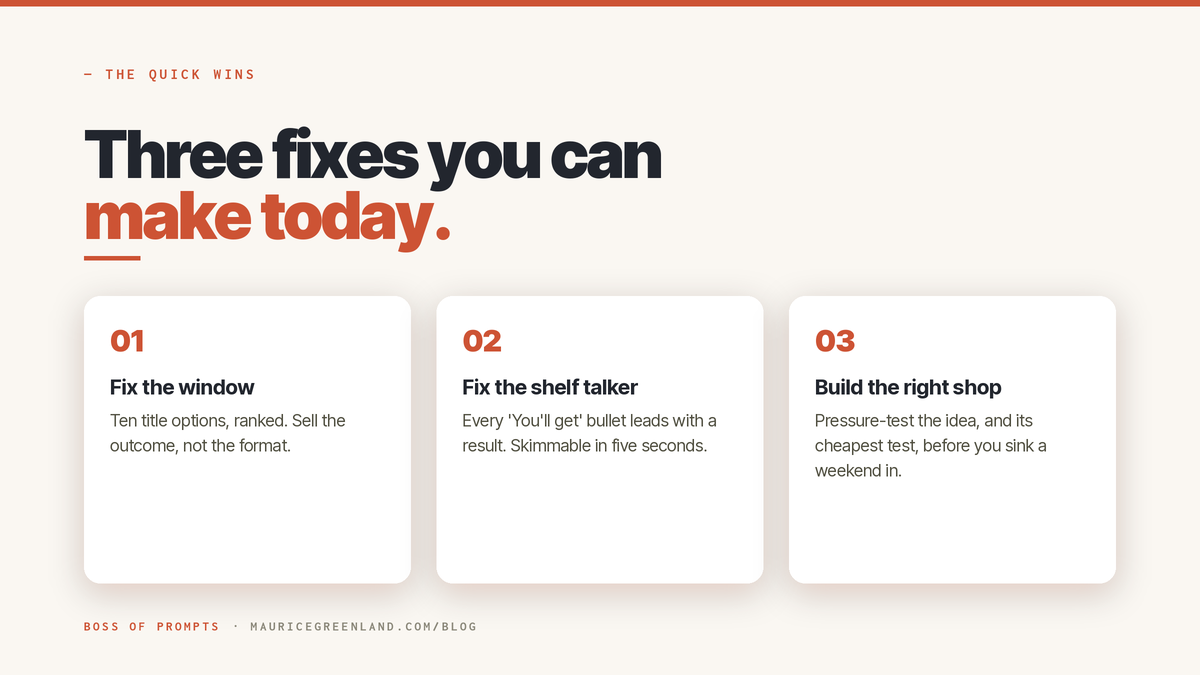
The good news? Each fix is small, and you don't need to be a copywriter. You just have to do each one on purpose. Here are the three you can knock out today.
How to Improve Your Gumroad Page
Quick Win 1: Fix The Window (Your Title)
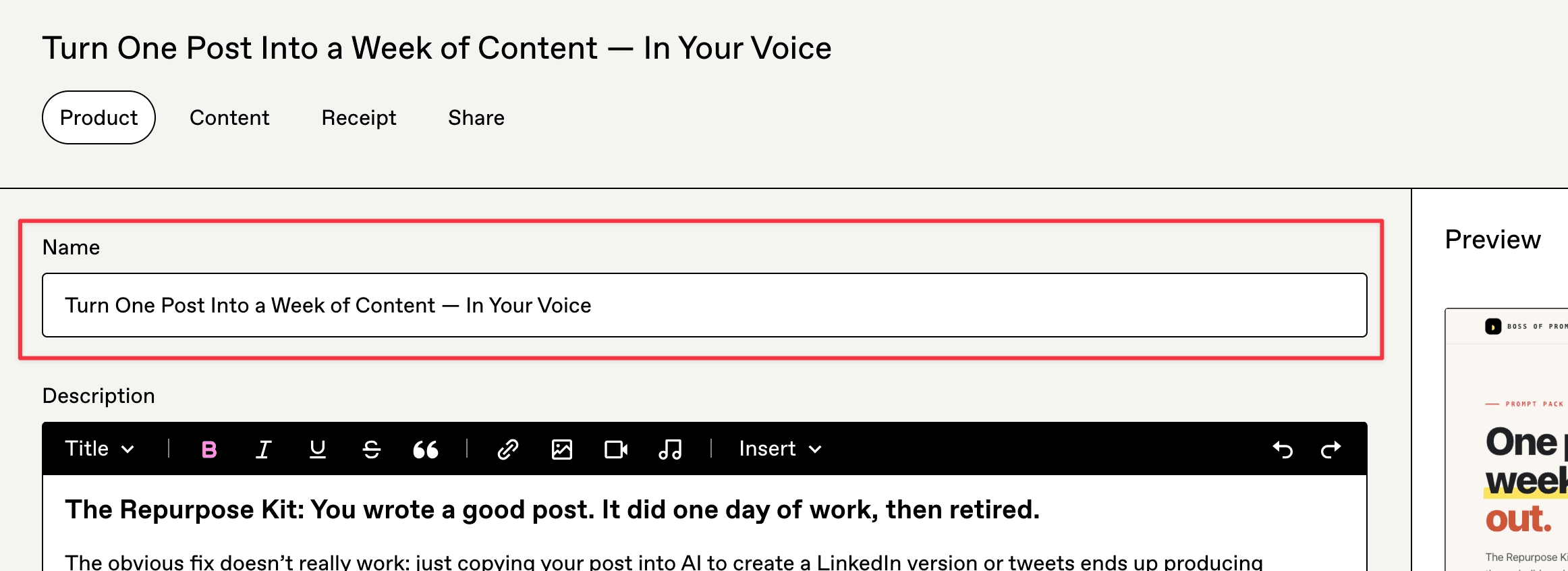
The title is the one thing every visitor reads. Most sellers just describe the format ("Notion Template Bundle"), and move on. Buyers don't buy because of the format. They want an outcome.
Do this: generate a bunch of titles with different angles and pick the strongest. Don't settle for the first one you thought of.
You can try:
Outcome-led ("Plan a month of content in an afternoon").
Audience-led ("The content system for solo founders").
Speed-led, "stop doing X", a little curiosity.
Write ten, rank the top three, and choose one.
Watch what that does in practice.
"Notion Content Calendar Template" only tells people the format — nothing more. "Plan a month of content in an afternoon, in Notion" leads with the outcome and lets the format close the sale.
Same product, same template. But the second one actually gives a buyer a reason to click.
The free product title prompt does exactly this. When I tested it on one of my own packs, it produced ten usable titles in a single pass.
Try it yourself and watch how much more click-worthy your listings become.
Prompt from the Vault
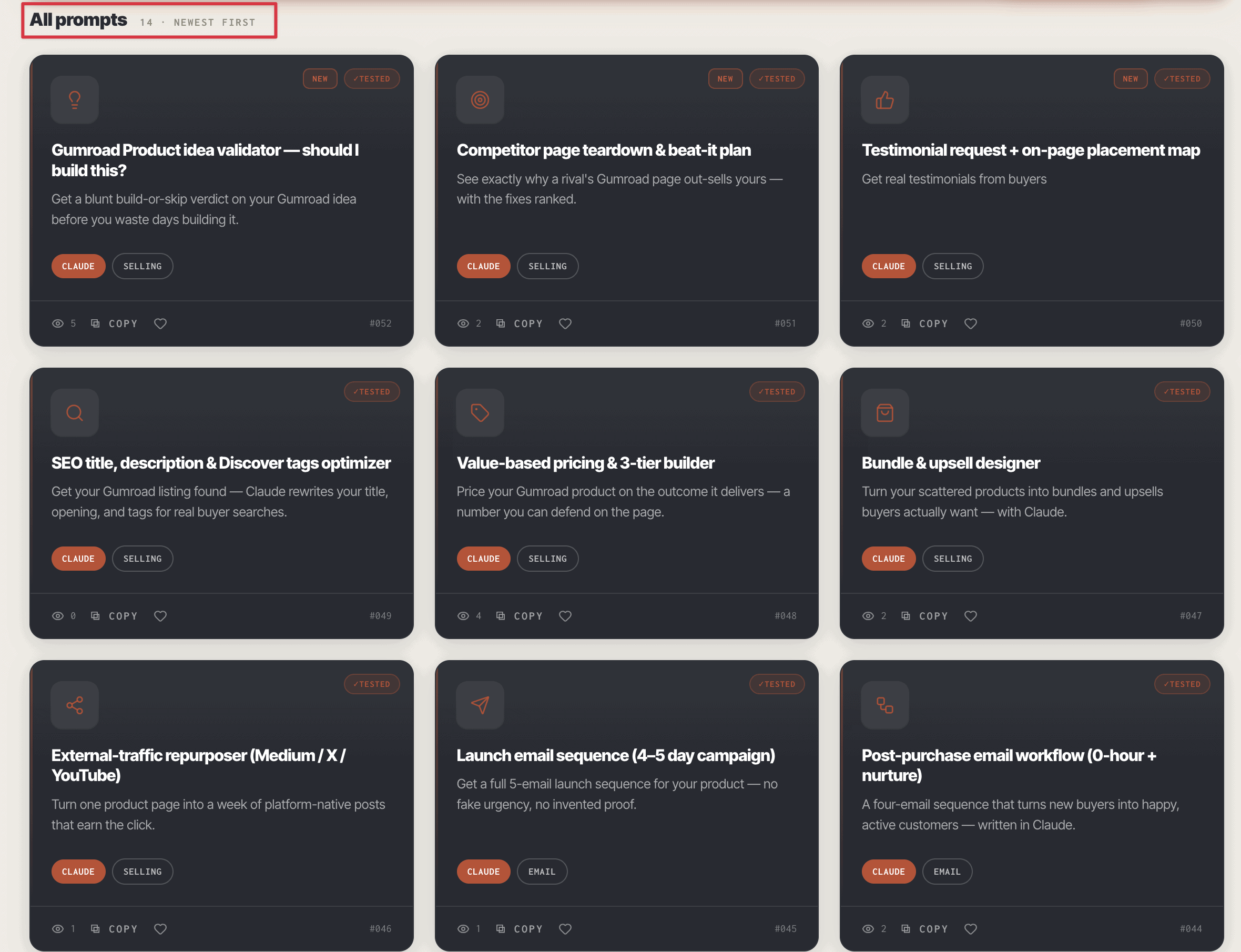
Gumroad Product title / headline — 10 ranked variations
Get 10 ranked Gumroad title options — so you pick the one buyers actually click.
Quick Win 2: Fix The Shelf Talker (Your "You'll Get" Section)
Buyers don't read every line, top to bottom-- they skim read. So you have to make it obvious to a buyer why they NEED your product.
A feature list (E.g, "12 templates, 3 guides, a checklist") doesn't tell them why they'd care. A benefit list does. It answers the real question: what becomes possible for me after I buy this?
You need to show them the transformation: "Finally understand how to write prompts that actually work" beats "includes 50 prompt examples" every time.
GOLDEN RULE
Every bullet begins with what the buyer can do or avoid, then states what provides it. "Ship a landing page in an hour with 12 fill-in templates" beats "12 templates".
Put the most valuable bullet first. Keep each benefit to one line. Group similar items into a named set ("8 social formats") rather than listing them one by one.
The full walkthrough of this section — and the whole product description — is in " How to Write a Gumroad Product Description.
Quick Win 3: Don't Build The Wrong Product to Begin With
Prompt from the Vault
Know if your Gumroad idea is worth building
Get a blunt build, sharpen, or skip verdict on your Gumroad idea before you build.
Prompt
The most expensive Gumroad mistake isn't a weak product description. It's spending a whole weekend on a product nobody would ever buy.
So pressure-test the idea first — properly. Is the problem real, painful, and recurring? Would your audience actually pay, given all the free alternatives out there? Is your angle genuinely different, or just a repaint?
Then think of the cheapest possible test you could try before committing:
One-tweet-- "Would you use this?"
An invitation to join a waitlist
A free mini-version that does just one part of the job
If nobody bites on the free version, they were never going to buy the paid one. Sting a bit? Maybe — but you just saved your weekend. 🙂
The free product idea validator deliberately thinks like this for you. When I ran it on one of my own pack ideas, it scored willingness-to-pay a brutal 2 out of 5 and told me to do a 48-hour test instead of a full product build. Not what I wanted to hear — but a lot cheaper than finding out the hard way.
These 3 quick fixes will sort out 90% of why your Gumroad page is not converting.
The Three Jobs Most Gumroad Pages Leave Empty
The quick wins are the fast, free ones -- but that's only half the story. The other half of the storefront is where most of the money leaks — and each bit is its own job.
The price tag. A number anchored to the outcome the buyer gets, not to your page count. The full method — including when pricing tiers are a mistake — is in how to price digital products.
The proof. Real proof, placed where the matching doubt shows up: an outcome line by the headline, an objection-buster by the price. Never invented, even when you have zero reviews.
The sign in the street. The title, first line, and Discover tags tuned so searchers actually find the shop.
If the whole page checks out but sales are still flat, run the full diagnosis in why is my Gumroad product not selling.
Why A Better Description is Never the Fix
Because the description was never the bottleneck. A Gumroad page that isn't converting almost always has 5 of 6 storefront jobs left "empty"—not well written or optimized.
Rewording an empty shop doesn't fill the window, hang a price tag, or put a sign in the street.
Do each job properly, and the page starts working. Not because you suddenly found a magic catch phrase, but because you finally built the whole storefront.
The Wrap-Up
You came in blaming the product, the price, or the traffic for why your Gumroad page doesn't convert. The real answer is simpler and more fixable: the page has six jobs, and most of them were never done properly (if at all).
That's how to improve your Gumroad storefront today. For free -- no expensive copywriter needed.
When you want the rest of your Gumroad product page built the same way, read the tested ChatGPT prompts for Gumroad sellers post.
Which of the six jobs was empty on your page? I suspect it's the window.
Frequently Asked Questions
How Do I Make My Gumroad Page Convert Better?
Work the six storefront jobs in order of visibility: an outcome-led title, a benefit-led "You'll get" section, a defensible price, proof placed where doubt arises, Discover tags that match real searches, and a post-purchase email. Most pages only ever did the description, so the first two fixes usually move the needle the same day.
What Makes A Good Gumroad Product Page?
A stranger should know what the product is, who it's for, and what changes for them within seconds of landing. That means the outcome in the title, skimmable benefit bullets, a real look inside the product, and a price with a clear rationale.
What Is The Storefront Framework For Gumroad Pages?
It's the model this post teaches: a Gumroad page has six jobs, the window (title and cover), the shelf talker ("You'll get"), the price tag, the proof, the sign in the street (search and Discover), and the follow-up email. A page converts when each job is completed, not when you write a good line of sales copy.
Do I Need Reviews Before My Gumroad Page Can Convert?
No. Zero reviews is the normal starting state. Compensate deliberately: show a screenshot of the inside, put your real name and a line of bio on the page, and state your refund policy next to the price. One specific sentence of genuine feedback later beats a wall of stars.