You just finished crafting a great product, and now you need to get it up on Gumroad so people can buy it. Cursor blinking. Nothing. Here's how to write a Gumroad product description that works: answer one question. "If I were buying this, what would I be able to do afterward?"
That single question saves your listing. No hype, no clever tricks.
Stick around for a full worked example you can copy and adapt today.
The One Job Your Gumroad Description Has
I sell products on Gumroad, and after testing plenty of product listing styles, I've realized that buyers don't purchase PDFs or Notion templates. They buy what those files can do for them.
So every line of your description either answers "what will I be able to do after buying this?" — or it's fluff, potentially getting in the way of potential sales.
Any time you are stuck, not sure what to write in a Gumroad description, come back to that one question. It kills weak copy every time.
For example, "Beautifully designed, comprehensive workbook" fails. "Run your first client workshop from a ready-made 60-minute plan" passes. See the difference?
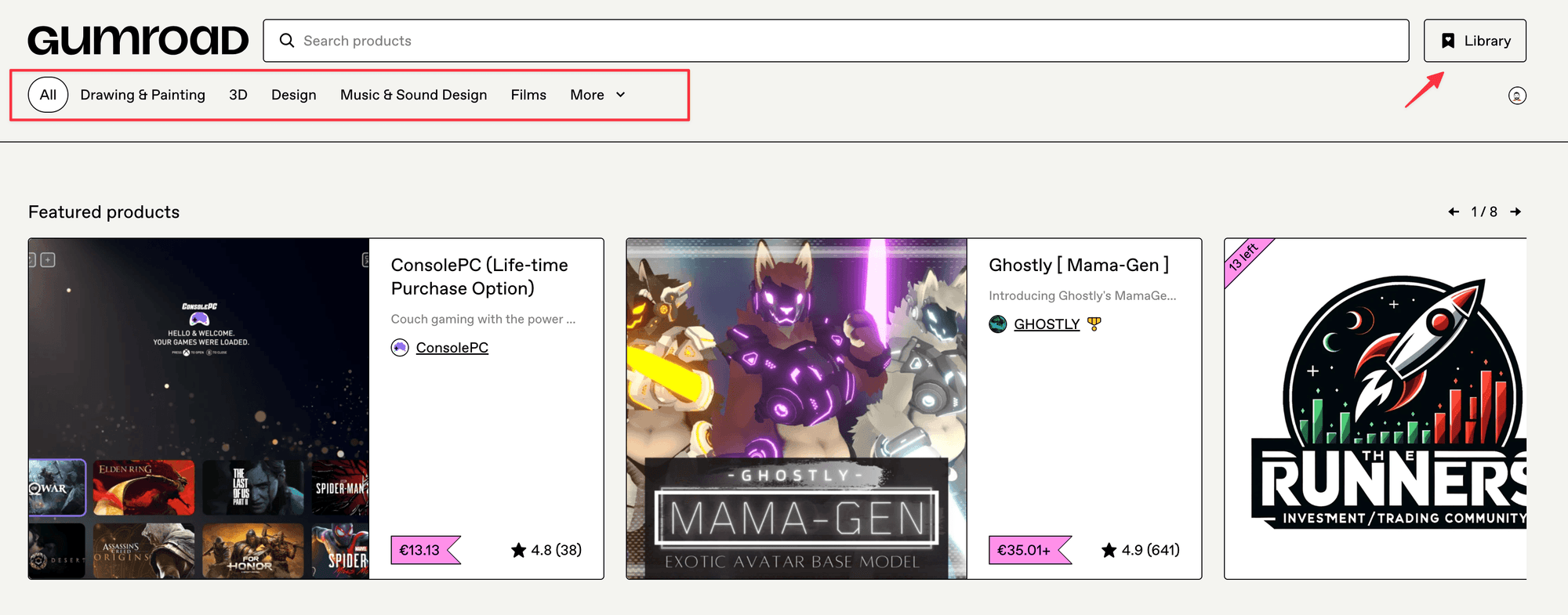
One layout note: on your Gumroad product page, only the first line or two of your title shows before people have to click. Your opener drives the sale -- so start optimizing that first.
Start with Before, After, and Time
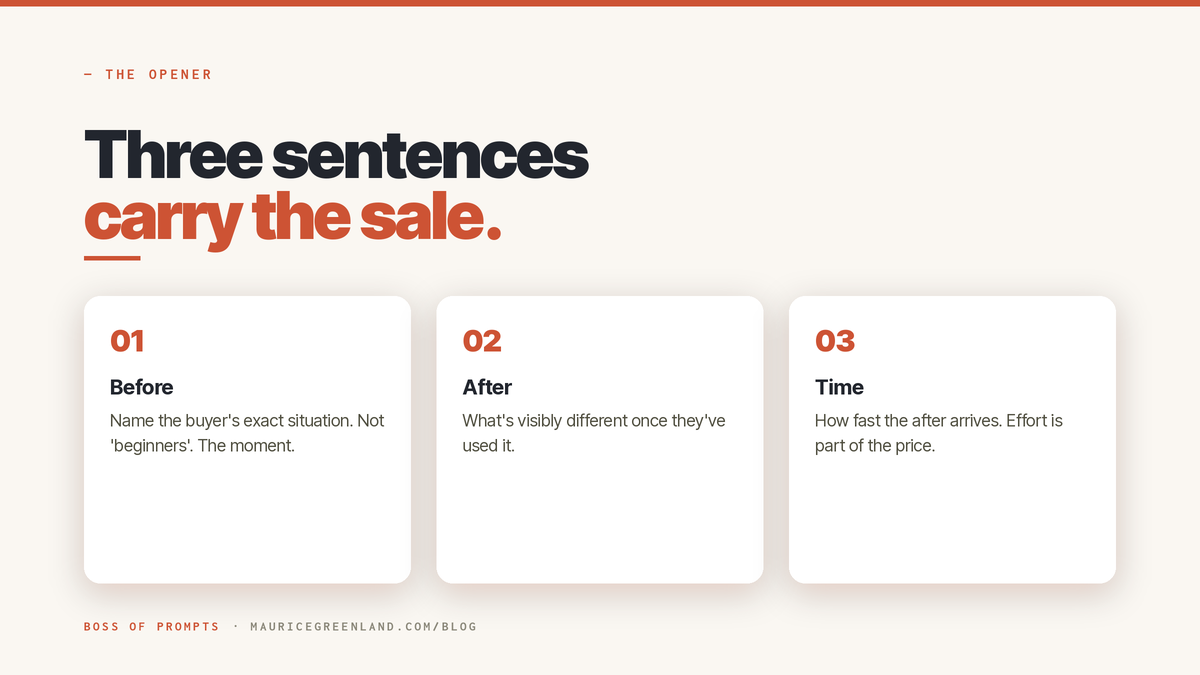
The opener is three sentences, with one job each:
Before. The buyer's situation, named precisely. Not "beginners", but the moment: "Your proposals take an evening each and still look homemade."
After. What's different once they've used the product? Concrete, visible: "You send a client-ready proposal built from a fill-in template."
Time. How fast the after arrives: "The first one takes about twenty minutes."
Three little sentences, and a first-time visitor knows the problem, the outcome, and the time cost.
They'll instantly understand what they're buying and why, which removes a lot of the friction from their purchase decision.
Build the You'll Get Section People Actually Read
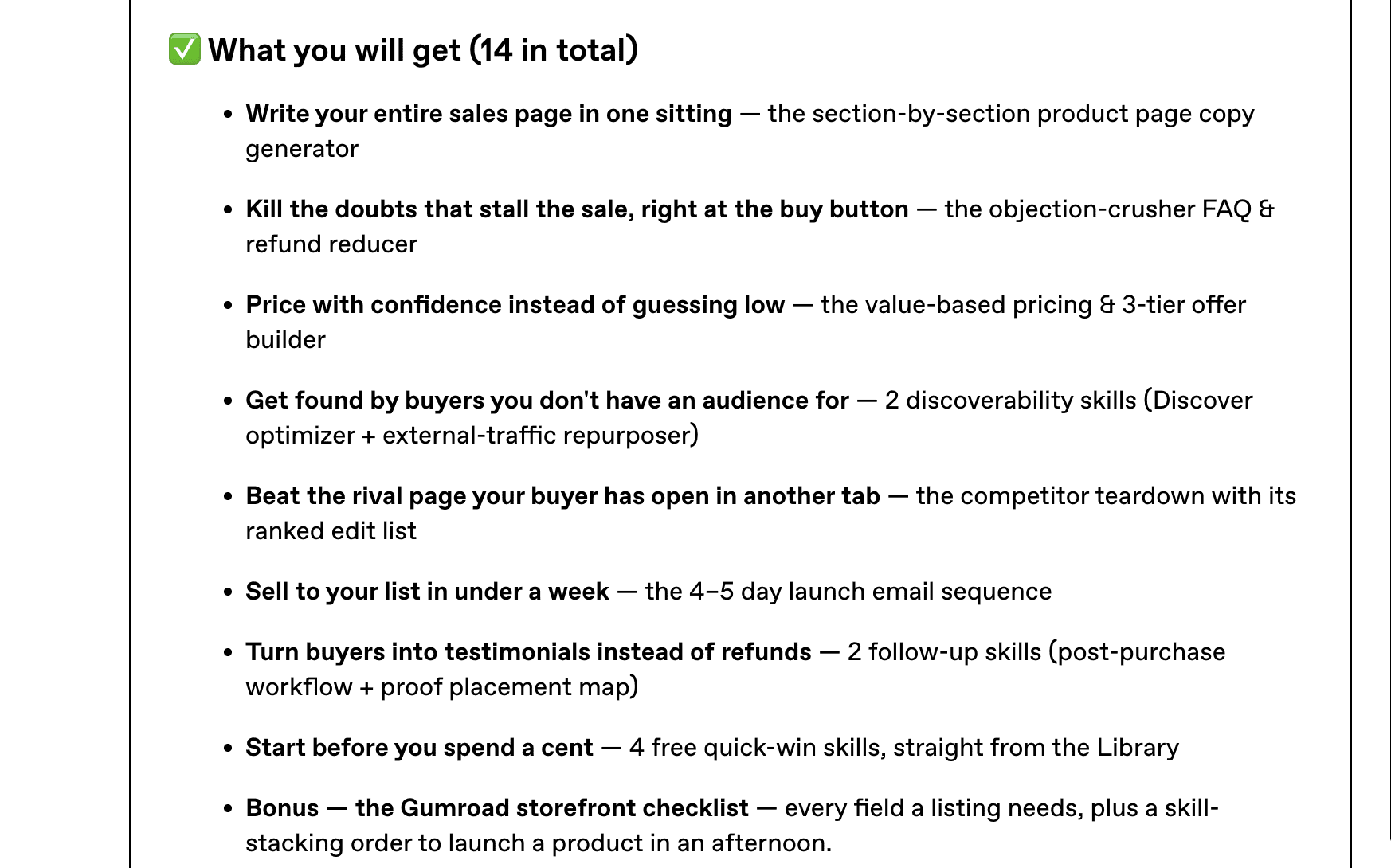
Nobody reads the middle of a description. They skim it. The "You'll get" (or What You'll Get) section should be written to be skim read: five to eight bullets, each leading with what the buyer can do or avoid, then naming the thing that delivers it.
Two rules do most of the work:
One benefit and one deliverable per bullet.
Lead with the thing they'd actually pay money for, not the bonus.
Add Keywords Without Sounding Like a Robot
Try to use the exact phrase buyers would actually type when they're searching for your product. Put that phrase — just once — in your title, and once early in the description. Then stop. No keyword stuffing. "Weekly planner template" in your title and first paragraph will do the SEO work for you.
Here's the danger: SEO-optimized writing often comes across to humans as "alien" — it doesn't sound natural or honest. Write for a search engine, and it reads exactly like that. Buyers can smell it, the same way AI-written pages sound weird and robotic.
Your Gumroad tags (on the Share tab) are where search terms belong. The description is for the humans.
An easy test to spot robotic text? Read it out loud. If you wouldn't say it to a friend or customer's face, cut it. If the words feel forced or repetitive, your reader will clock it in a heartbeat — and trust you less.
Place Your Proof and Your Refund Line Where Doubt Happens
Doubt shows up in two spots: "Does this actually work?" mid-page, and "What if it's not for me?" right at the price.
For the first — pull back the curtain. One real screenshot with a plain caption beats any clever line you could dream up. If you have real customer feedback, drop it in. No reviews yet? Not a big problem, just show more of the inside instead.
Never fake the proof — a made-up testimonial is the fastest way to lose the buyer and your credibility.
For the second — one sentence about refunds next to the price: "Not useful? Reply to your receipt within 30 days for a refund." Done.
Then answer the practical stuff like: file formats, tools needed, and how long it takes. And bold the friction-removers — instant download, no install, use forever, etc.
How to Write a Gumroad Product Description Example
Here's the shape applied to an example product, a pack of six printable weekly-planner PDFs. (The product is invented for illustration; the method and the prompts are the real, tested ones.) Treat the whole block as a Gumroad description template: swap the specifics, keep the shape.
Opener (before / after / time):
Your week is planned across three apps and a sticky note, and none of them agree. This pack gives you one printable weekly page that holds the whole week at a glance. Print your first one in five minutes.
You'll get:
- Plan the whole week on one page with 6 printable planner layouts - Print clean at home or at a shop with print-ready A4 and Letter files - Adjust anything in minutes with the included quick-edit guide - Reuse it forever, buy once, print as many as you like
Proof + refund:
Sample page below so you can see exactly what you're printing. Not useful? Reply to your receipt within 30 days for a refund.
What the example leaves out matters just as much. No origin story ("I made this because…"), no feature list parroting your file names, no paragraph about passion or quality.
Buyers scanning a Gumroad page give you seconds — every sentence that isn't answering "what can I do after buying this?" wastes those seconds.
Short, clear reads as confident; long, thorough reads make you sound nervous.
The title and bullets are the two spots I don't guess at anymore. I've made two simple prompts; paste them into Claude, and within seconds, I have a beautiful, optimized title and benefit-driven bullet lists.
The title prompt will give you 10 ranked options across 5 different angles, and the "You'll get" builder turns your file list into proper bullets. Both are free in the library — copy, run, ship.
Prompt from the Vault
Gumroad Product title / headline — 10 ranked variations
Gumroad Title Prompt
Prompt
Wrap-Up: Fill the Box in One Sitting
What you just read is one structure: a before/after/time opener, benefit-led bullets, real proof, and a refund line. Just remember, the description is the most important text you'll write for this product —it's the showstopper —so you need a consistent plan to get it right every time.
Use this structure, and your Gumroad products will convert better and sell more consistently.
Now write yours. Open your stalled listing, draft the three opener sentences by hand, then let the free title and bullet prompts handle the two sections that resist. One sitting, start to publish.
Frequently Asked Questions
What Should a Gumroad Description Include?
Five things, in order: a before/after/time opener, a benefit-led "You'll get" list, one real piece of proof (a screenshot of the inside beats adjectives), a refund sentence near the price, and a plain closing line telling the buyer what happens after purchase. Everything else is optional.
How Long Should a Gumroad Product Description Be?
As short as it can be while answering "what will I be able to do after buying this?" For a simple template pack that's often under 150 words. Length isn't the goal; a buyer being able to skim it in ten seconds and understand the offer is.
How Do I Make My Product Stand Out on Gumroad?
Specificity. A title that names the outcome and audience, a cover that reads at thumbnail size, and bullets that say what the buyer can do rather than what the files are. Most listings in any category are generic, so a precise page stands out more than a pretty one.
Why Do My Product Descriptions Sound Like Everyone Else's?
Because generic input produces generic output, whether it's written by you on autopilot or by AI with a one-line prompt. The fix is feeding real specifics: who it's for, the exact problem, what's literally inside. That's why every prompt I publish forces those details in before it writes a word.