A post you wrote with AI bombed this week. Now the dread sets in. Am I shadow-banned? Is my account flagged? So — does LinkedIn penalize AI content? Drum roll ...... No. It doesn't.
But believing it does costs you plenty. You get shy. You post less. Your profile goes quiet. Fear does the damage — not the algorithm.
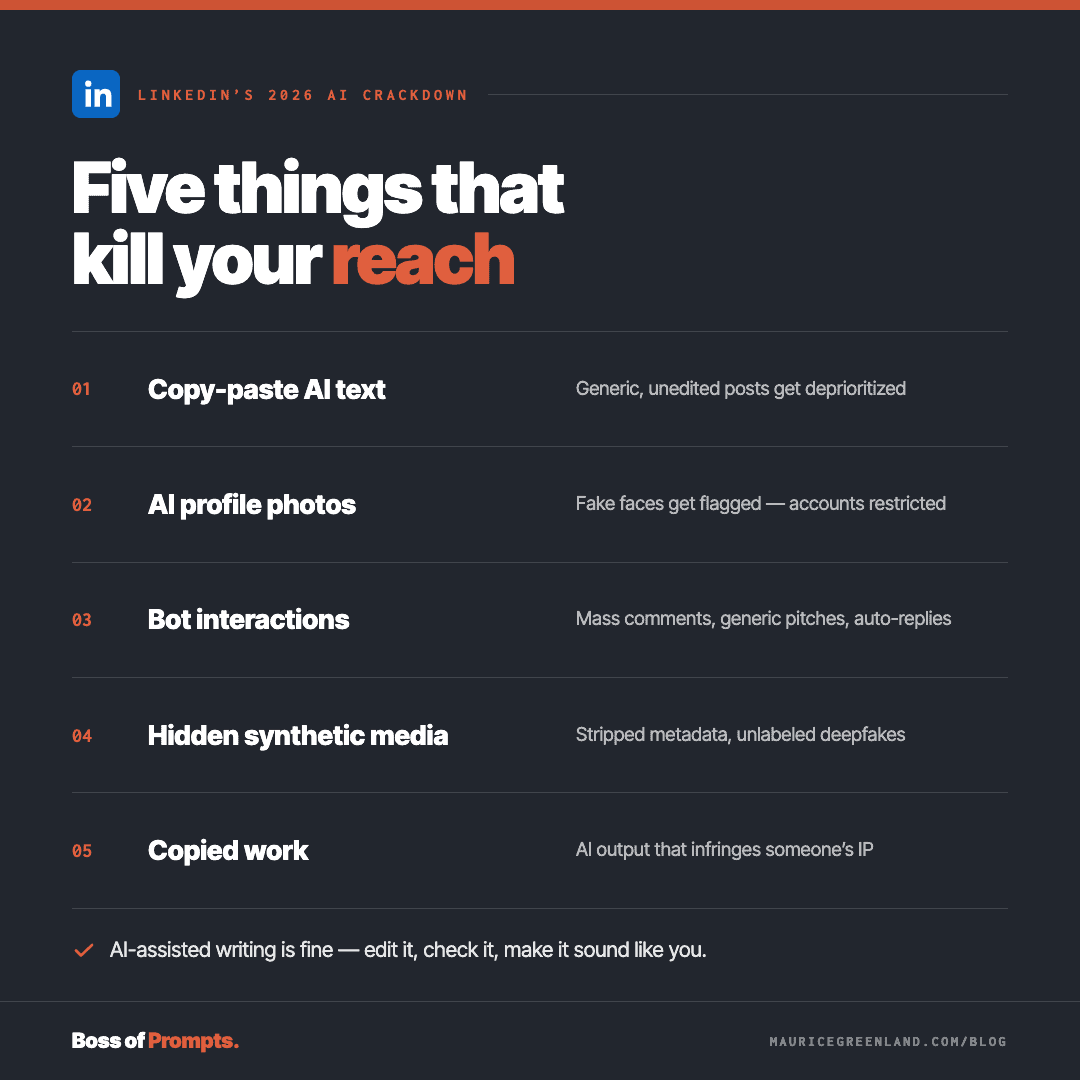
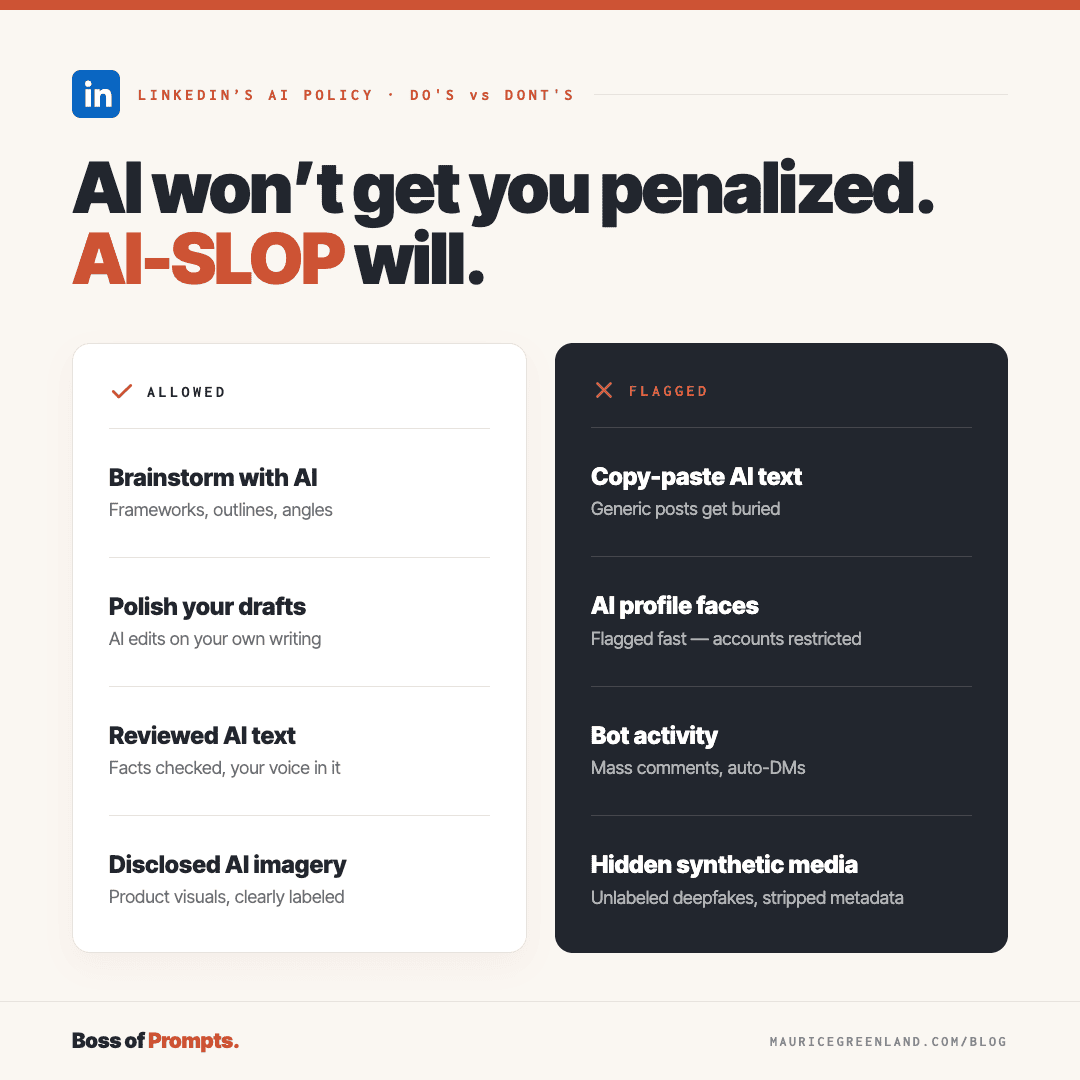
There's no blanket ban on AI-generated posts. What LinkedIn is going after is the slop: generic, low-value content that says nothing new, offers nothing useful, and sounds like it was written by nobody.
Does LinkedIn Penalize AI Content?
LinkedIn has been pretty clear — using AI to help write a post is fine. What it's trying to flush out is low-effort, high-quantity content. The stuff that sounds like it was spat out by a factory machine on autopilot.
Next Web covered LinkedIn's 2026 push to cut generic AI posts out, not to ban AI outright.
Does LinkedIn Delete AI Content?
Do they delete the posts? No— flagged posts aren't deleted.
They're just pulled from the feed. Your connections can still see them, but the LinkedIn algorithm will downgrade them. The posts won't be recommended to many users.
Why "AI Slop" Is the Real Problem
"AI slop" is generic content that adds nothing — grammatically fine, neatly structured, but utterly forgettable.
LinkedIn's algorithm reads how a post is written, not how well you followed some writing guide or what your SEO tool scored it. Mass-produced AI posts share the same tells — and LinkedIn can spot them.
So does this mean you write the whole thing yourself? Nope, like we've already said, it's ok to get some help from ChatGPT or whatever AI writing tool you prefer-- it's how you use it that matters.
Before you post that AI draft, fix it with a few "humanized" edits — add real numbers, a lesson from your own work, a recent project you worked on. The human stuff the machine could never know.
That's what people engage with, and what the algorithm actually rewards-- engagement.
Can LinkedIn Detect AI Content?
Anyone who has ever tried using one of those AI-detection tools knows how miserably inaccurate even the best ones are. So will LinkedIn be any better at it?
LinkedIn says its detection correctly identified generic content about 94% of the time in early tests. But it hasn't shared any false-positive data. How often genuine posts get wrongly flagged is anyone's guess.
So, take that 94% accuracy claim with a pinch of salt.
LinkedIn cares about how a post actually performs (its engagement)— early replies, dwell time, and whether the comments turn into a real conversation.
A post that gets quick scroll-bys and no replies gets downgraded — and that happens whether AI wrote it or a human did.
So it comes back to the value of what you've got to say and how well you engage with your audience.
Nothing's really changed. Engagement has always mattered. Focus on that.
LinkedIn Rewards Depth, Not Volume
LinkedIn cares less about catching AI-written content and more about rewarding depth. The algorithms reward relevance and real conversation over how often you post or what you used to write the post.
That's why low-value content tends to flop: a bad post rarely gets saves, comments, or time on the page, so the algorithm's got no reason to push it. A useful post, with human insight, does the opposite.
Even if you write every word yourself, there's no guarantee your post will gain traction, but it won't likely hurt your content either if you are authentic and genuinely trying to provide value to your network.
LinkedIn AI Disclosure Rules: What's Safe
You do not need to stamp every post with a big fat "AI" label. However, LinkedIn AI content disclosures are recommended.
They take a self-disclosure approach, recommending that you tell your audience if you relied heavily on AI to create or edit the content and it is not obvious from the context.
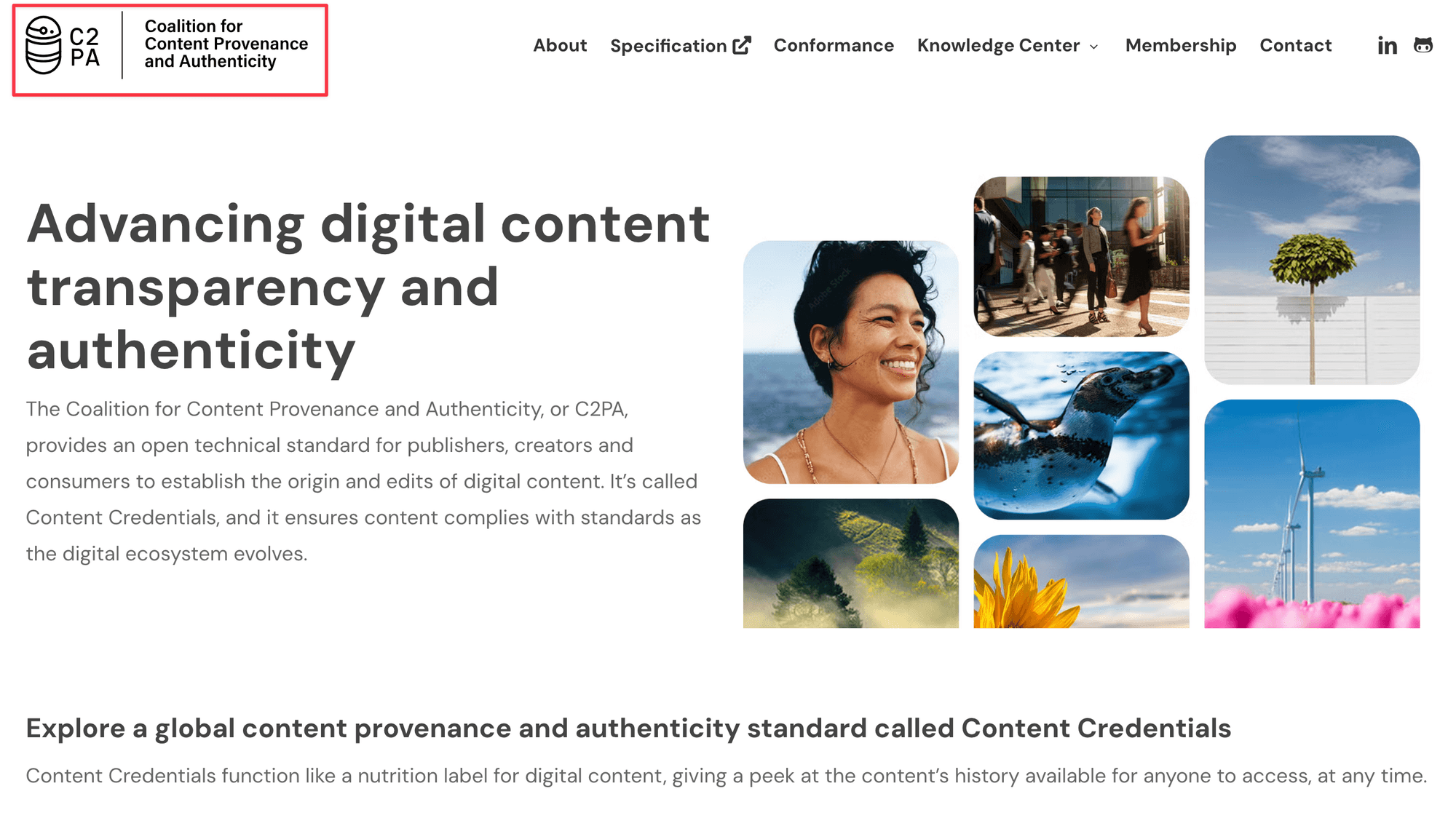
LinkedIn is also automating AI disclosure for images and videos only. Using C2PA standards, any content that uses AI-generated images or video will be automatically flagged as AI content.
What matters is whether your content helps your audience solve real problems or learn something new.
If AI helped you draft the post, you can say so -- and should. Being transparent about your process builds trust with readers who increasingly care about authenticity.
The Fix: Write in Your Own Voice
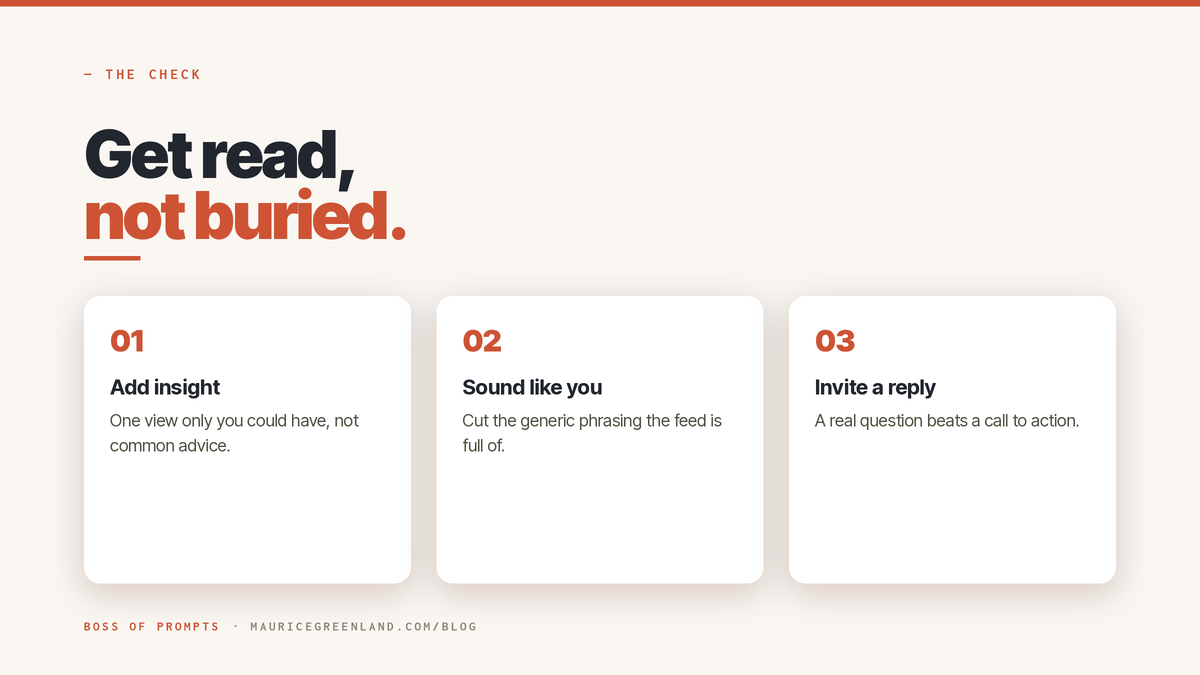
It all points to one thing: the posts that get pushed give a real perspective in a real voice — the part AI can't invent for you.
So be direct. "Most LinkedIn carousels fail because they hide the point until slide 5" beats "carousels can be effective."
Prove it — a stat, a screenshot, a short story only you have. Then edit until it sounds like you, not a model trying to sound human. Short sentences, plain words, detail only you'd know.
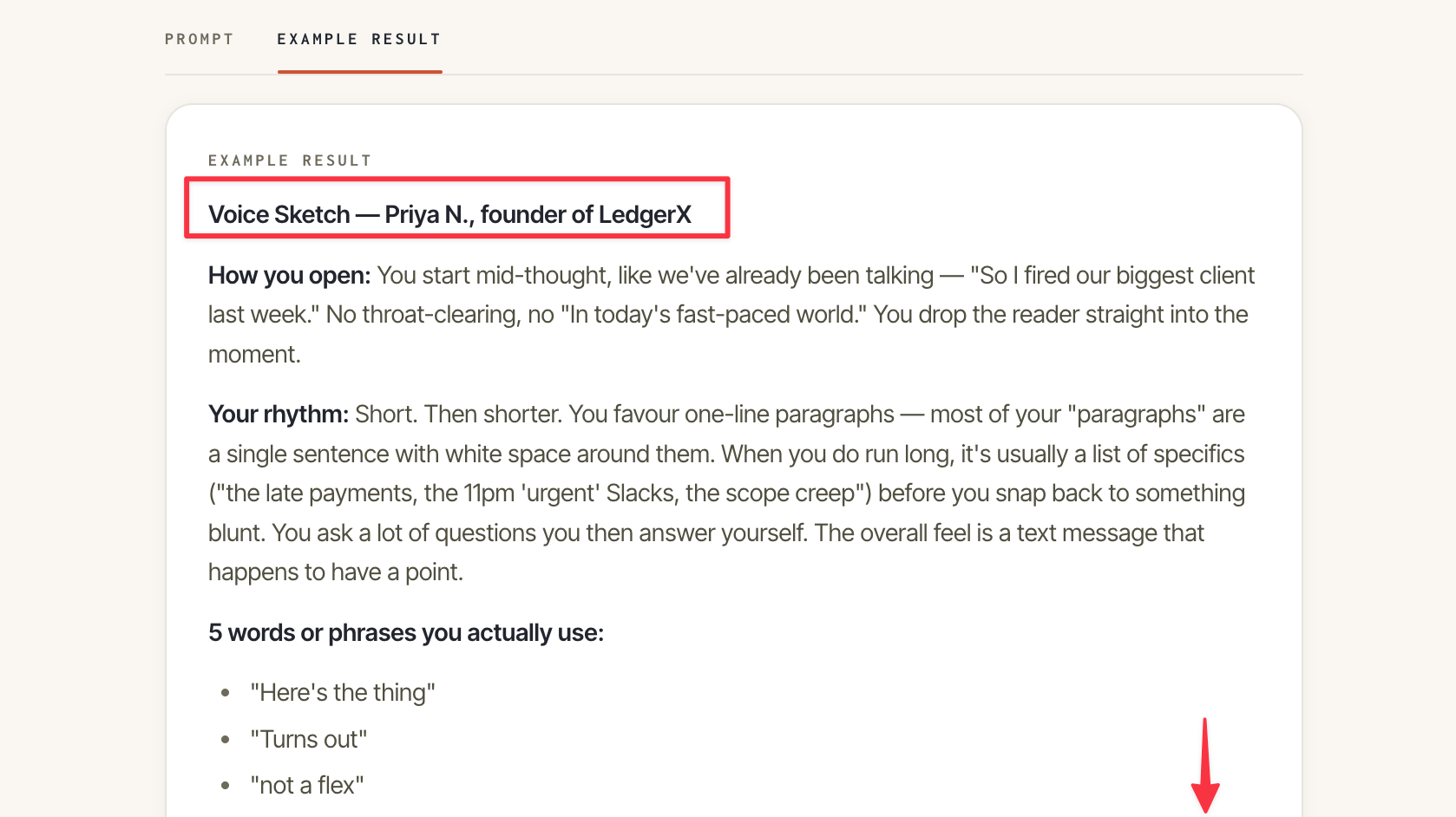
My trick? Build a "voice profile." Train the model on your own posts, tell it to match, and everything after sounds like you.
Here's the prompt — try it.
Prompt from the Vault
LinkedIn Voice Profile: Make AI Sound Like You
Turn three of your LinkedIn posts into five rules that make AI draft in your voice.
Prompt
For the whole system, the LinkedIn in Your Voice Pack bundles the tested prompts.
The Bottom Line
If you take one thing from this, it's that LinkedIn is not anti-AI; it is anti-slop.
Using AI to draft is fine. Publishing generic posts is what will cost you.
"AI slop" loses because it fails to engage, not because it is written by AI.
The real fix is to bring original insight to every post, in your own voice.
In your next post, add one specific detail only you could. Then read it aloud. If it sounds like you, publish it.
Frequently Asked Questions
Does LinkedIn Penalize AI-generated Content?
Not for being AI-generated. LinkedIn suppresses generic, low-value posts with no original insight, whether a person or a model wrote them. An AI-assisted post with your real perspective is treated like any other good post.
Can LinkedIn Detect AI-written Posts?
To a degree. LinkedIn says its detection flagged generic AI content with about 94% accuracy in early tests, though it has not shared false-positive data. In practice, your reach is decided more by engagement signals than by detection.
Is It Against LinkedIn's Rules to Use AI?
No. Using AI to brainstorm, outline, draft, or proofread is allowed, and there is no rule forcing disclosure on ordinary posts. The line the platform enforces is value and original insight, not the tool.
How Do I Stop LinkedIn Suppressing My Posts?
Add original insight and edit the draft into your own voice. State a clear opinion, back it with a specific number or example, and invite a real reply. A voice profile makes that repeatable across every post.