Writing LinkedIn posts with AI is fast. It's also easy to spot. Want to know how to make LinkedIn posts sound human? It's not technical; anyone can do it.
Cut out the fluffy filler words, and add details only you'd know. Then edit until the post reads as if you wrote it. AI builds the shape -- you add your voice.
Let's be honest -- the first draft from a GPT prompt usually sounds like a scene from Terminator (Arnie's a legend -- side note 😜).
By the end of this post, you'll know how to write LinkedIn posts that don't sound like a machine -- and that readers actually engage with. Let's go.

4 Tricks to Make Your Posts Sound Human
The first thing you should do is give your AI tool some rules-- what you like and don't like in your writing. This one thing will fix most of the problems you have with your content sounding terrible.
Here is a free prompt you can use. It will give you a Voice Rules list based on things you've already written.
Prompt from the Vault
Create your LinkedIn voice profile
Voice Rules file
Prompt
Once you have your voice rules file, you can use it every time you prompt a model to write something for you -- not just for LinkedIn.
I'll talk more about this later in the post.
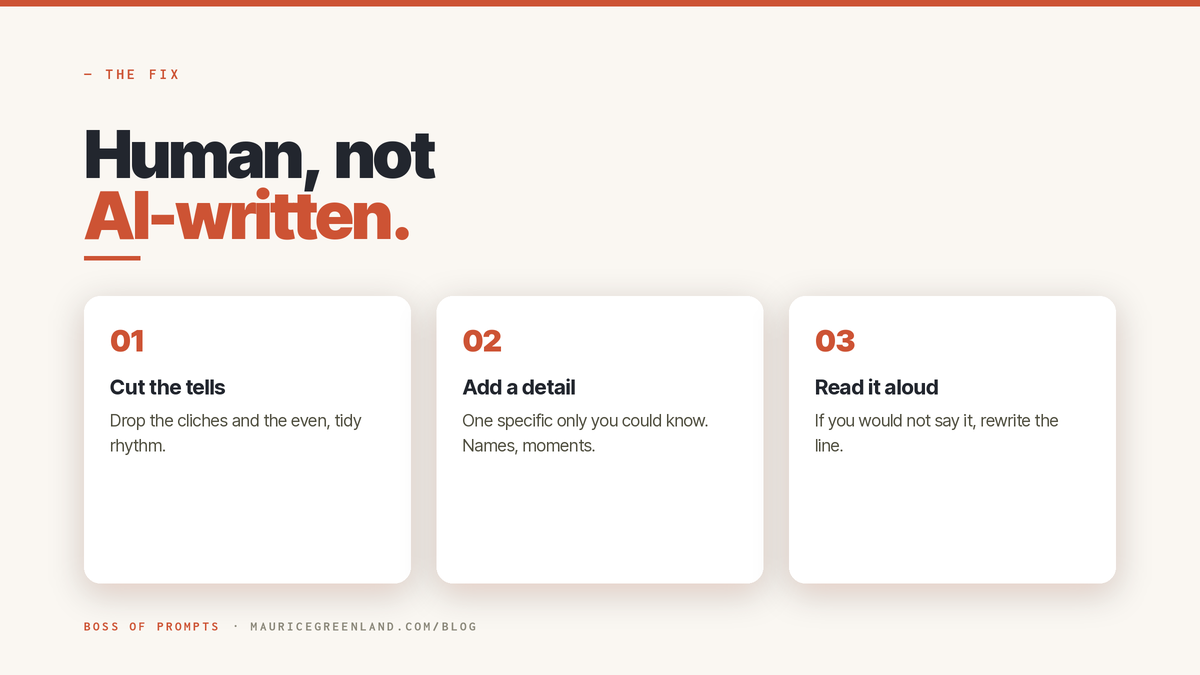
Cut the AI Tells
LLMs (Large Language Models) like ChatGPT and Claude can be lazy and a bit dramatic. Like that friend who starts every sentence with "OMG," like every moment of his life is a scene from a movie.
AI does the same: it keeps using certain phrases or words that don't always fit the context or tone of your voice.
Some of the ones I keep seeing are: "valuable insights", "game-changer", "synergy", and "leverage" — phrases that scream "look at me, I'm a robot".
There is no definitive list; it will differ platform to platform and user to user, but you'll soon start noticing patterns.
I keep a running list of words AI uses too often, or that I don't like. When I re-run my Voice Rules prompt (every 3 months), I give it the updated list and tell it to avoid those phrases in future.
Add Details
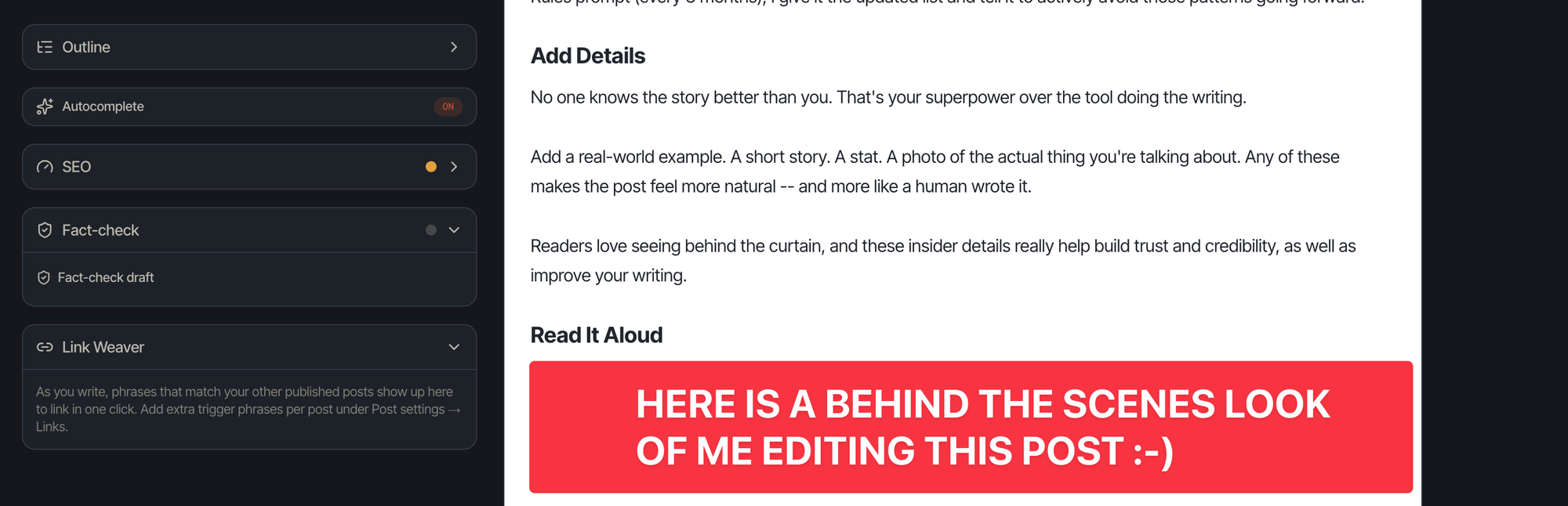
No one knows the story better than you. That's your superpower over the tool doing the writing. This is the single biggest lever, and AI cannot fake it.
So for every post, ask: what is the one fact here that only I could have written?
Add a real-world example. A short story. A stat. A photo of the actual thing you're talking about. These make the post feel more natural -- and more like a human wrote it.
An AI writing tool can imitate your writing. It cannot know the client went quiet halfway through the March call, or that you cut fourteen onboarding sessions, or the exact thing your co-founder said in a Tuesday standup.
Those details are yours, and they are the proof you did the work.
Readers love seeing behind the curtain, and these insider details really help build trust and credibility, as well as improve your writing.
Read It Aloud
My next tip is not anything technical. It's something I've used that I find really helps me weed out text that doesn't sound "right".
It was a little uncomfortable for me at first, but now I'm cool with it.
Before you post your article, read the whole thing out loud to yourself or a friend. If anything sounds awkward to say or difficult to understand, rephrase it until it sounds like you're talking.
That is the whole fix for LinkedIn posts that won't sound like AI-slop. AI for the structure, you for the voice. Another good article on this topic is this one by Forbes.
Let me share a few concrete examples of how this plays out in practice.
See the AI Tells Disappear (Before: After)
Here is a typical example —not a real post, just something I made up.
Before, the generic draft:
Thrilled to announce I led a cross-functional initiative that delivered significant impact and drove strategic alignment across the organization. Grateful for the amazing team. Onward.
Swap in any job title, and it still fits. Vague wording, no eye-catching stats, nothing to make the reader believe this is a real human post. It sounds polished, not lived in.
After, the same idea with specifics and rhythm restored:
In March, I ran a six-week project to fix our delayed onboarding emails. Three teams in the room: product, support, and engineering. We mapped every email, cut fourteen, and rewrote the rest. The biggest lesson was not technical. Most of the delay was due to unclear ownership, not the system.
"In March I ran a six-week project to fix our delayed onboarding emails. Three teams in the room: product, support, engineering. We mapped every email, cut fourteen, rewrote the rest. The biggest lesson was not technical. Most of the delay came from unclear ownership, not the system.
Illustrative details, but you get the idea. It has a timeline, real actions, and one honest lesson. Nobody else could have posted it. That is the gap between a template and LinkedIn posts that don't sound like AI.
Make LinkedIn Posts Sound Human: Voice Profile
We touched on this earlier. Here's more, because I think it's really helpful and it works on any AI text platform — Claude, ChatGPT, Gemini.
Fixing tone by hand on every post gets old quickly, such a time drain.
The faster fix is a reusable voice profile. A short file that tells the AI how you sound, what you talk about, and the words you never use.
Pull five to ten of your best posts. Note the patterns. Sentence length. How do you start paragraphs? "I", "we", or "you". Keep it under a page long—too much info weakens the rules.
I turned that process into a tested prompt — the Voice Sketch. Give it a go.
Read next
How Many Writing Samples to Train ChatGPT? [5 + Steps].
How many writing samples to train ChatGPT? Five of your own posts. Here's the full six-step walkthrough: collect, analyze, correct, save, brief, edit.
The Takeaway
The fix for AI-sounding posts is to cut the tells, add detail only you know, and edit the draft until it sounds like you.
Generic content gets scrolled past, and the platform notices. Posts that sound human earn the replies and dwell time LinkedIn rewards; flat AI copy does not.
Now, take one old draft that reads a bit off, work through it with the steps above, and repost it. Remember to save a voice profile so you don't have to do this by hand forever.
Frequently Asked Questions
Why Do My LinkedIn Posts Sound Like AI?
Because they carry the AI writing tells and none of your fingerprints: stock phrases like "in today's fast-paced world", uniform sentence lengths, and the tidy hook-three-points-sign-off shape, with no detail only you could know. Add one real name, number, or moment and most of the AI feel lifts.
How Do I Make ChatGPT Sound Less Robotic?
Give it your voice profile and one real detail, then edit the output by ear. Paste in five to ten of your own posts, tell it your common phrases and the words you avoid, and ask it to draft in that register. That gets you most of the way; your read-aloud pass does the rest.
What Words Make Writing Sound Like AI?
The usual set: delve, unleash, game changer, "let that sink in", "in today's fast-paced world". Plus filler openers like "I'm thrilled to announce". None are banned outright, but stacked together they are a giveaway. When you spot one, swap it for how you would actually say it.
Can People Tell a Post Is AI-Written?
Often, yes, from the pattern: even sentence lengths, generic transitions, and no detail a real person would include. But it is a judgement call, not proof. Detection tools are unreliable and people guess wrong, so treat it as a signal. The fix is the same either way: write in a way no tool would.