You're a Gumroad newbie, and your shiny new product has had no buyers. So you're asking, "Why is my Gumroad product not selling?" — and after a week of nothing, the panic kicks in. Blame the product, blame the price, or decide you just need more traffic.
Guess wrong, and you'll waste weeks. Usually it's one of four things — and you can find which in about ten minutes. So don't guess. Diagnose.
Check #1: Is Anyone Actually Seeing the Page?
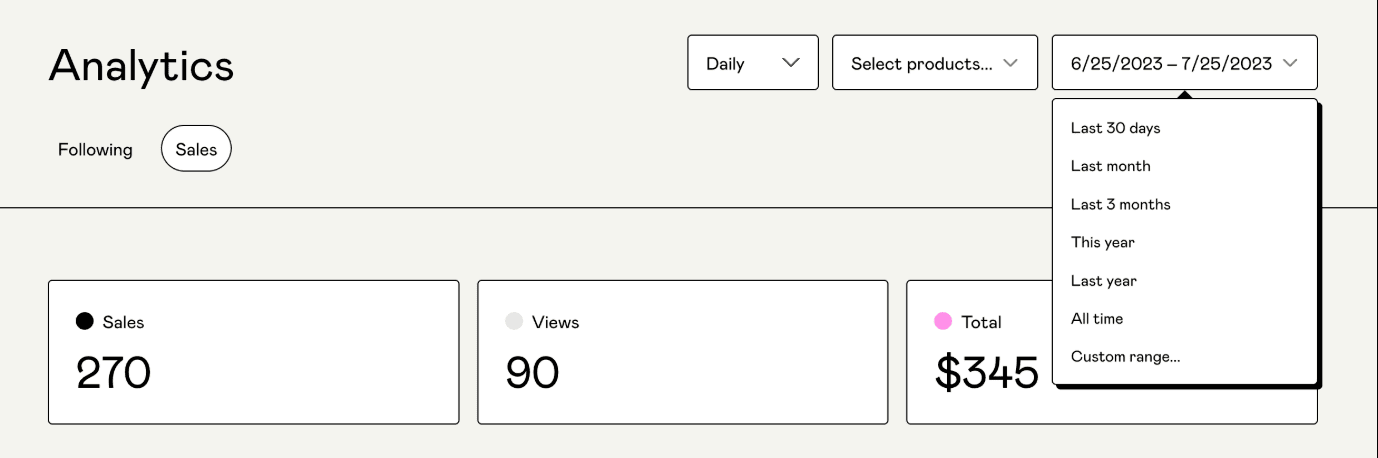
Open your Gumroad sales analytics and look at views and referrers for the last month. If you see high views but no sales, your product page needs optimization.
If views are just a trickle, it's not a conversion problem. You have a visibility problem, and no amount of page rewriting fixes it.
Two things to sort first:
1. Send Your Own People to the Product Page
Where should traffic even come from right now? Gumroad is a checkout, not a traffic source (not really). When you are starting out, your buyers come from wherever you already talk to people: your posts, your email list, and communities you're a part of.
"Gumroad is a checkout, not a traffic source"
If all you've done is shared the product twice on X or IG and moved on, that's the diagnosis-- you need a consistent promotion strategy, not sporadic posts.
2. Verify Your Account and Get Discover Working
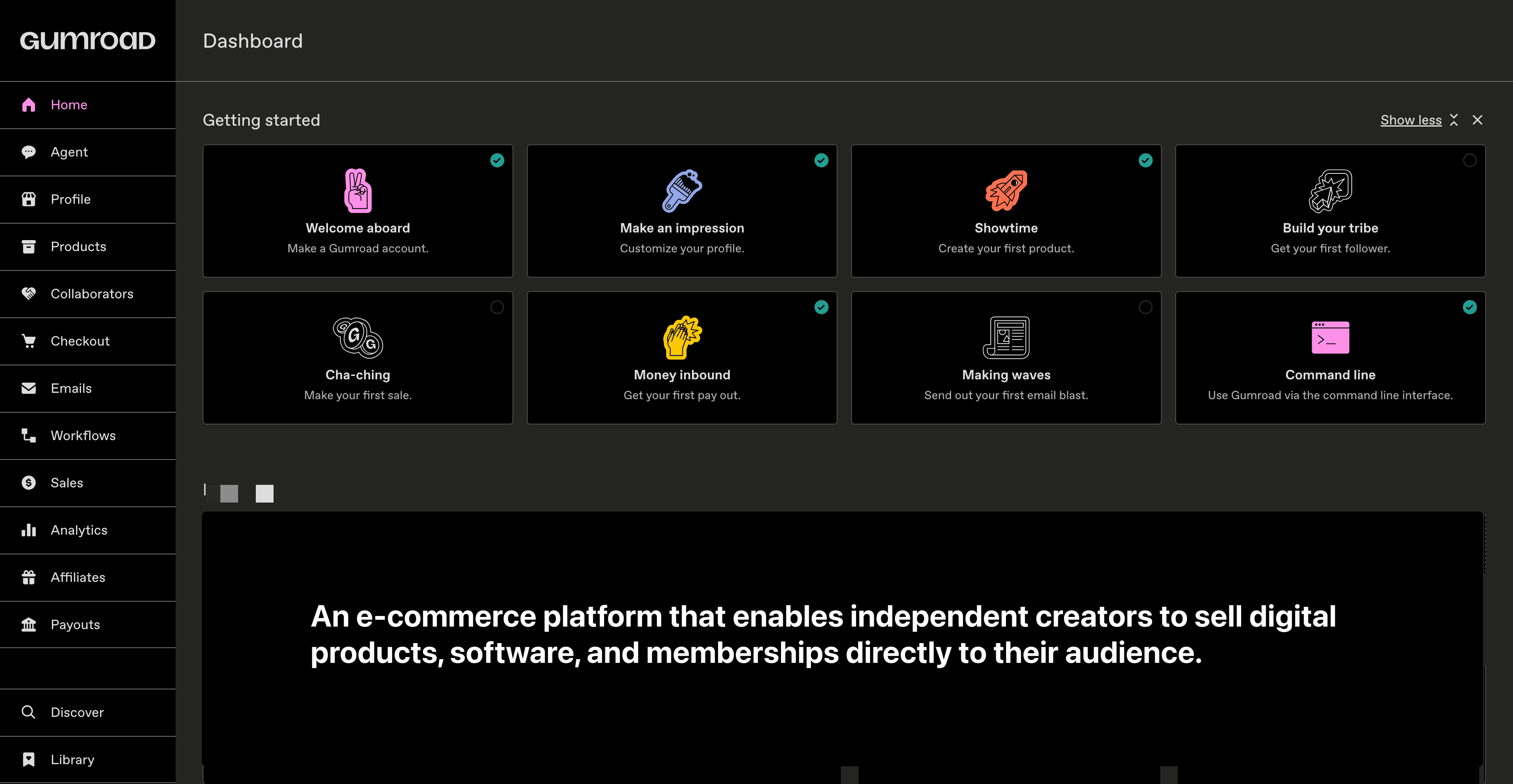
Discover is Gumroad's internal marketplace — it only starts working for you once you qualify.
You need three boxes ticked: payout settings filled in, at least $100 of sales, and sign-off from Gumroad's risk team (which takes around three weeks on average once you cross that threshold).
Products priced over $100 aren't eligible.
Once you're in, your Gumroad Discover tags do the heavy lifting. Set them on the product's Share tab, and keep them specific to what the product actually is.
First things first — make sure your account is 100% verified and that your product is actually visible to logged-out visitors.
Here's a quick test to run. Open your page in a private browser window and try to reach checkout. (You'd be surprised how often something quietly breaks between "add to cart" and "pay".)
If checkout works, and traffic looks healthy, but sales are still flat? — move on to the next check.
Check #2: Do Visitors Understand What They Get in 3 Seconds?
People buy results, not products. Within 3 seconds, a visitor should understand what your product is, who it's for, and what they can do (or stop doing) once they have it. If you're getting no sales on Gumroad, this is often the reason.
So run the three-second test: show your page to someone for three seconds, then ask what it sells. If they can't tell you, your title and cover aren't pulling their weight.
This one's worth a deeper look, so I've written a separate post about it — your Gumroad page is a storefront, not just a description box.
Short version? The product page actually plays six roles — window, shelf talker, price tag, proof, directions, and receipt — and the description field is only one of them. Sort out those six, and your Gumroad results tend to follow.
From the Vault
Build Your Whole Gumroad Listing in an Afternoon
Prompts for making more on Gumroad
$15 one-time
Check #3: Set a Price You Can Actually Defend
Not "is it cheap enough". Defensible. A price with a reason behind it.
Here's a twist most people don't expect: being too cheap can be the reason for Gumroad not making sales.
A $3 price tag on something that claims to save hours? Sounds too good to be true, right? Potential buyers think, "This probably doesn't work." People use price as a quality signal when they've got nothing else to go on — and early on, they've got nothing else to go on.
Quick sanity check:
List what the buyer actually gets (time saved, money earned, mistakes avoided).
Look at what comparable competitor products charge.
If your number is way off theirs and you can't explain why, chances are you didn't put enough thought into your price.
I wrote an easy-to-follow method for pricing digital products — Including when Pay-What-You-Want works and when it's a mistake.
Check #4: Is There Any Reason to Trust You?
Zero reviews? That's where everyone starts — it's not a death sentence. But you do need to make up for it in other ways.
Lift the curtain and show what's inside. A screenshot of an actual feature or screen beats any clever copy you could dream up. Add a simple caption ("sample page: the email templates").
Put your name on it — a real name, a line of bio, and a link to wherever you're active. Trust is the whole game here, and putting your name to something takes the risk off the buyer.
State your refund policy right next to the price. One sentence kills the "what if it's rubbish?" doubt at the exact moment it shows up.
And ask every buyer for feedback once they've actually used the thing. One honest line from a real buyer beats a wall of fake stars.
The 10-Minute Diagnosis, in Order
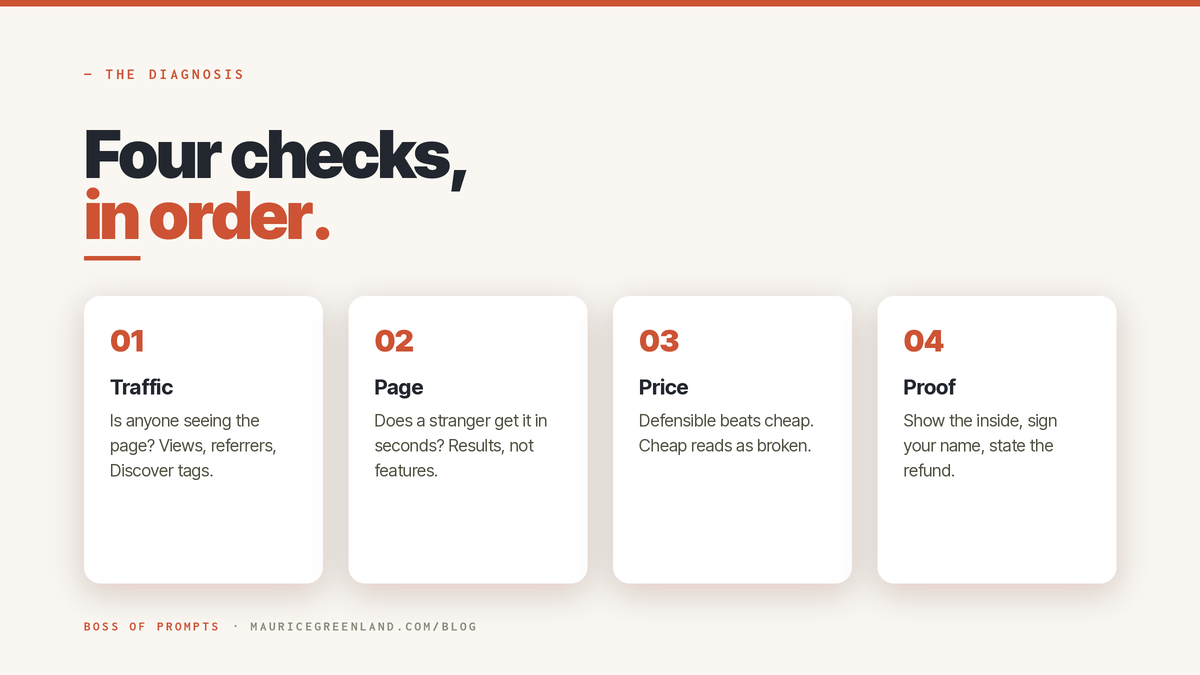
Run it top to bottom and stop at the first failed check:
Traffic: fewer views than you'd expect from your last promotion push? Fix visibility (channels + Discover tags) before touching the page.
Page: traffic but no sales, and the page fails the three-second test? Fix the storefront. Start with the title and the "You'll get" section.
Price: page is clear but buyers bounce at the number? Rebuild the price from the outcome, not from fear.
Proof: everything else works but strangers hesitate? Add the inside-view screenshot, your name, and a refund line.
Sometimes all four checks pass, and the product still doesn't sell. Then the question is whether the product solves a problem people are willing to pay for.
The free product idea validator gives you a blunt read on that; it's the same prompt I run before building anything, and it doesn't flatter.
Prompt from the Vault
Know if your Gumroad idea is worth building
Validate your Gumroad product idea
Prompt
If the diagnosis points at your page, your price, or your emails, the Gumroad Seller Skills pack is the full set of tested prompts that fix each branch.
Conclusion: Fix No Sales on Gumroad in Ten Minutes
That 10 pm "what's wrong with my product" search usually ends in guessing. It doesn't have to: a Gumroad store not making sales almost always has one findable fault. One idea carries this whole post: check traffic, page, price, and proof in that order, and stop at the first failure, because fixing the wrong one costs you weeks.
Run the first check now; your analytics are one tab away. And if you've already found your failed check, I'm curious which one it was. It's the page for most sellers, but the exceptions are interesting.
Next, go and check out the free library. It has tested ChatGPT prompts for Gumroad sellers that'll rewrite your title and 'You'll get' section in one go.
Frequently Asked Questions
How Do I Get My First Sale on Gumroad?
Your first sale almost always comes from your own audience, not from Gumroad's marketplace. Share the product where you already talk to people, with a plain sentence about who it's for and what it fixes. Discover placement only kicks in after $10 of genuine sales and verification, so treat it as a later bonus, not the plan. That is how to get sales on Gumroad early: your own channels first, Discover later.
Why Is My Gumroad Product Not Selling Even with Steady Traffic?
If real visitors arrive and nobody buys, the page is the usual suspect: a title that describes the format instead of the outcome, bullets that list files instead of results, or no proof a stranger can trust. Run the three-second test from the second check above and fix what fails it.
Does Gumroad Promote Your Products?
Only through Gumroad Discover, its internal marketplace, and only once you're eligible: payout settings complete, $10 in genuine sales, risk verification passed, and a price of $100 or under. Your tags and product page do the rest, so specific, accurate tags matter more than volume.
How Long Does It Take to Get Verified on Gumroad Discover?
Around three weeks on average after you cross the $10 sales threshold, per Gumroad's help documentation. It happens automatically once your payout settings are complete, so use the wait to fix your page and tags.
Is Gumroad Worth It in 2026?
For solo creators selling digital products, yes. Gumroad handles checkout, delivery, and sales tax as the merchant of record, so you can sell without a website or a tax registration in every country. The trade-off is the fee and a marketplace you have to qualify for, which is fair for what you stop having to manage.