TestedProAI Images
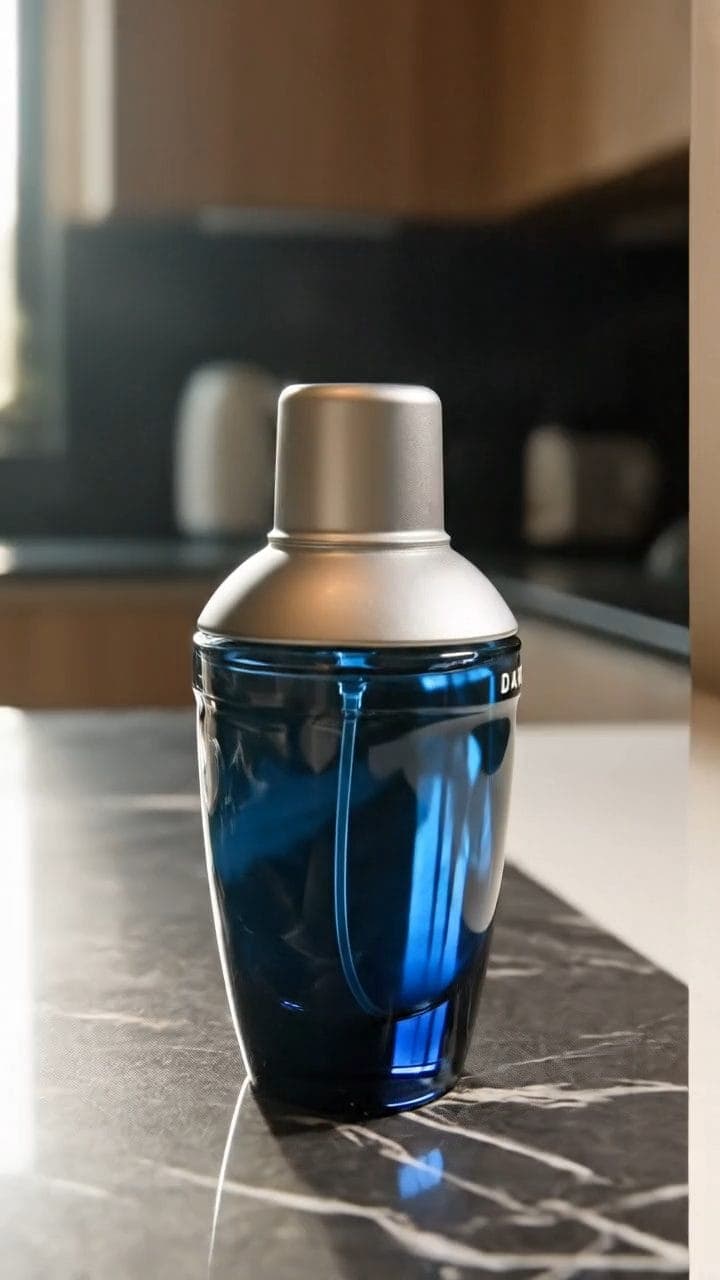
Look like a happy customer filmed it.
A phone-real product clip for your voiceover, built to stay inside platform rules.
5 viewsWorks withVeo
Prompt Locked
01
What this prompt does
- Looks like a customer filmed it on a phone
- Turns the product so the label reads
- Leaves the audio clean for your voiceover
- Keeps faces and studio polish out of frame
02
How to use the prompt
- 1Drop your product photo on Add start frame — it becomes frame one, so the product cannot drift
- 2Set the length to 8 seconds and the shape to 9:16
- 3Swap the {{...}} lines for your product, room and the feature worth tapping
- 4Record your own voiceover on top afterwards, and tick the AI disclosure when you publish
- 5The handling sounds are deliberate — they keep a soundtrack out and leave room for your voice
Tags#video ads#ugc#veo#compliance
More like thisAI Images prompts
Browse all →