TestedProAI Images
Scene swap that keeps your label perfect.
Move your product into any scene while every word on the label survives.
7 viewsWorks withNano Banana
Prompt Locked
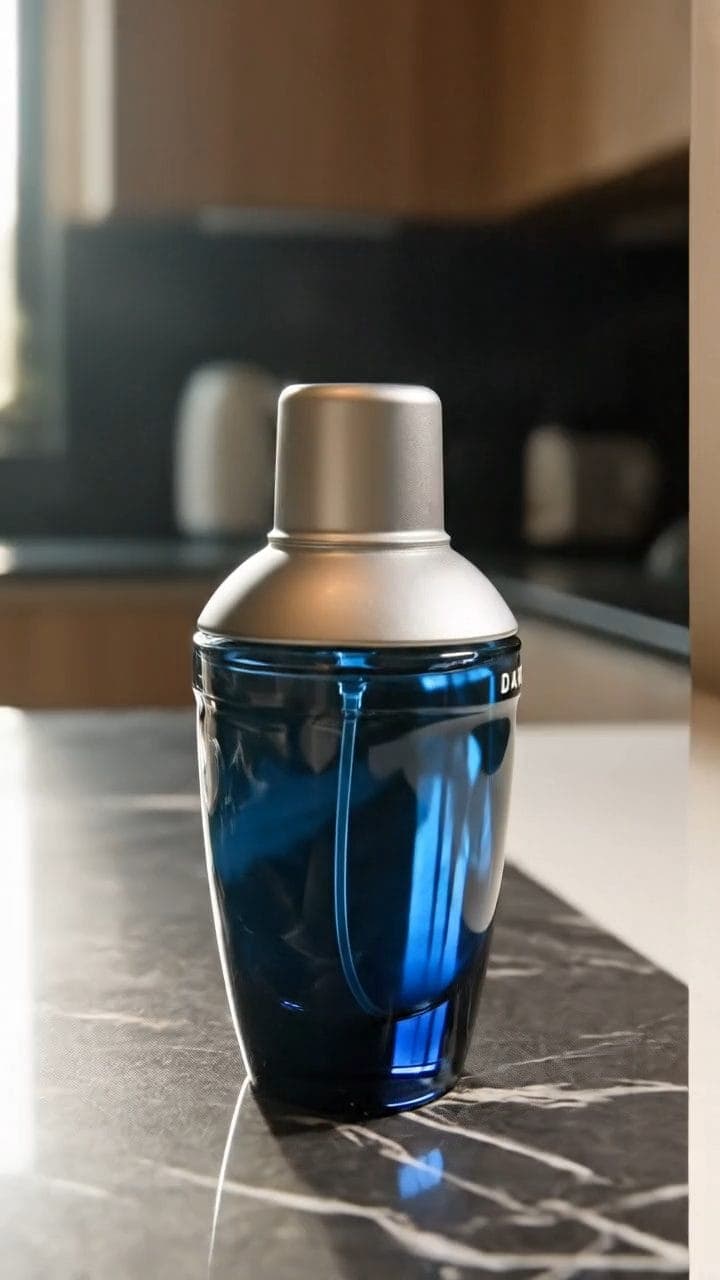
Example output
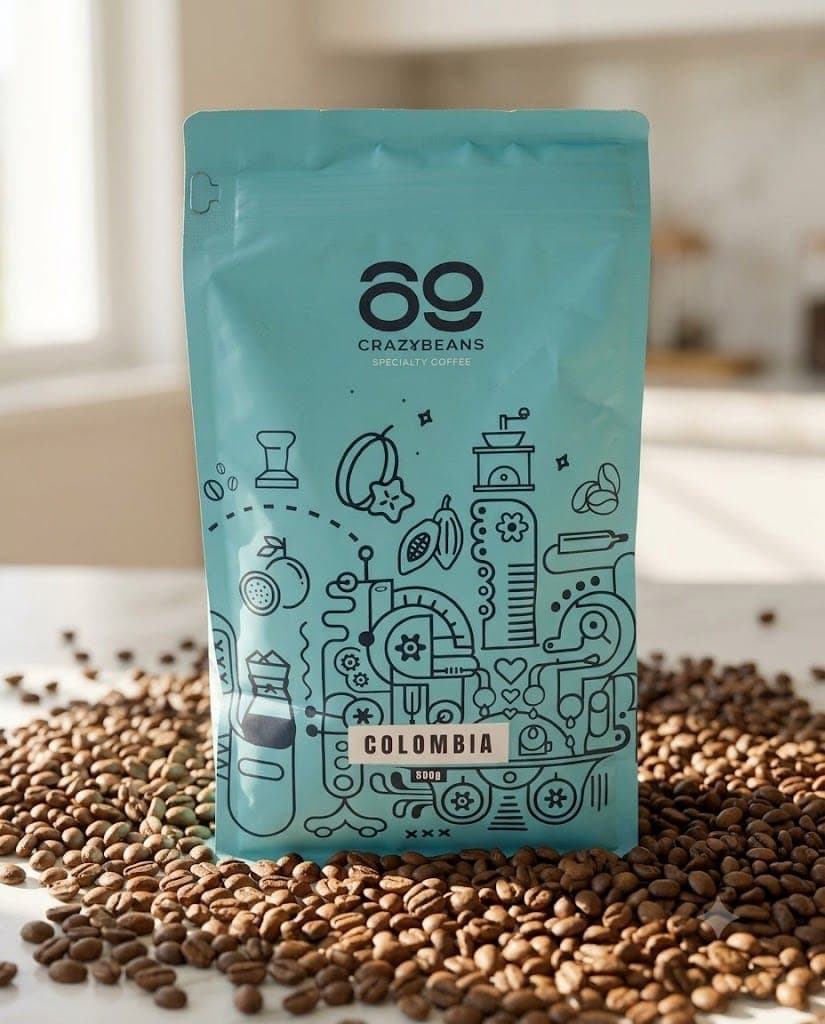
Generated with this prompt.
Example result
Use the attached photo of my product: a 100g matte-black tin of ground espresso coffee with a copper-foil "Riverbend Roasters" label.
Treat the product as untouchable. Keep its exact shape, proportions, colors, materials, and every word, number, and logo on…
01
What this prompt does
- Locks the product exactly as photographed
- Rebuilds the scene around it naturally
- Matches lighting, perspective, and contact shadows
- Blocks added text, hands, and stray products
02
How to use the prompt
- 1Photograph your product straight on in flat, even light
- 2Attach the photo and describe the product in one line
- 3Describe the scene you want around it
- 4Run, then zoom to the label at full size
- 5Rerun with a plainer scene if the label drifts
Tags#product photos#ecommerce#label lock#scene swap
More like thisAI Images prompts
Browse all →