TestedGuideProAI Images
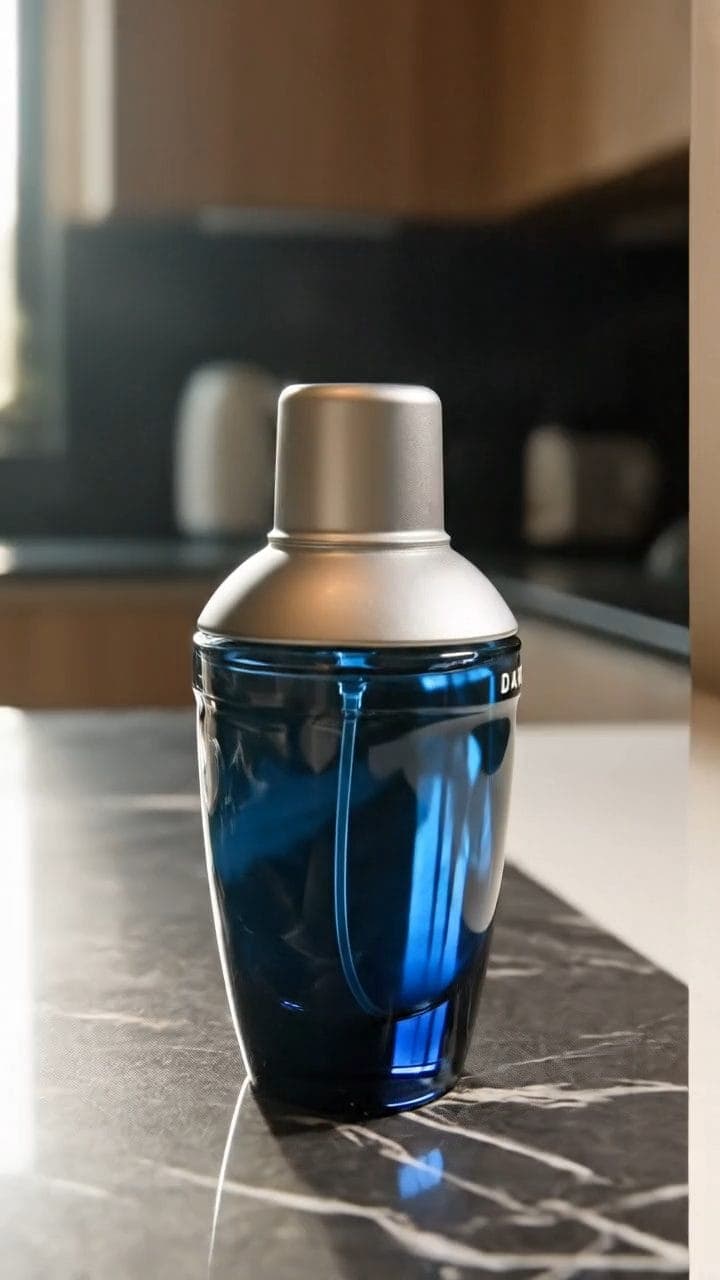
7 Line Framework: Veo video Ads.
Write and fix Veo product clips yourself — one 7-line brief, every time.
10 views
The guide Locked
01
What this guide covers
- Explains the seven-slot shot card Veo needs
- Shows why one action beats a muddle
- Fixes failed clips by cutting lines, not adding
- Diagnoses each failure back to its broken line
- Flags the AI disclosure rule plainly
02
How to use this guide
- 1Read the framework once before you generate
- 2Fill the seven-slot shot card for your product
- 3Attach your product photo as a start frame
- 4Set length and shape in Veo
- 5Run it in Veo
- 6Fix one line and rerun when clips disappoint
Tags#veo#video ads#prompting#basics#guide
More like thisAI Images prompts
Browse all →