TestedProAI Images
Show your product solving the problem.
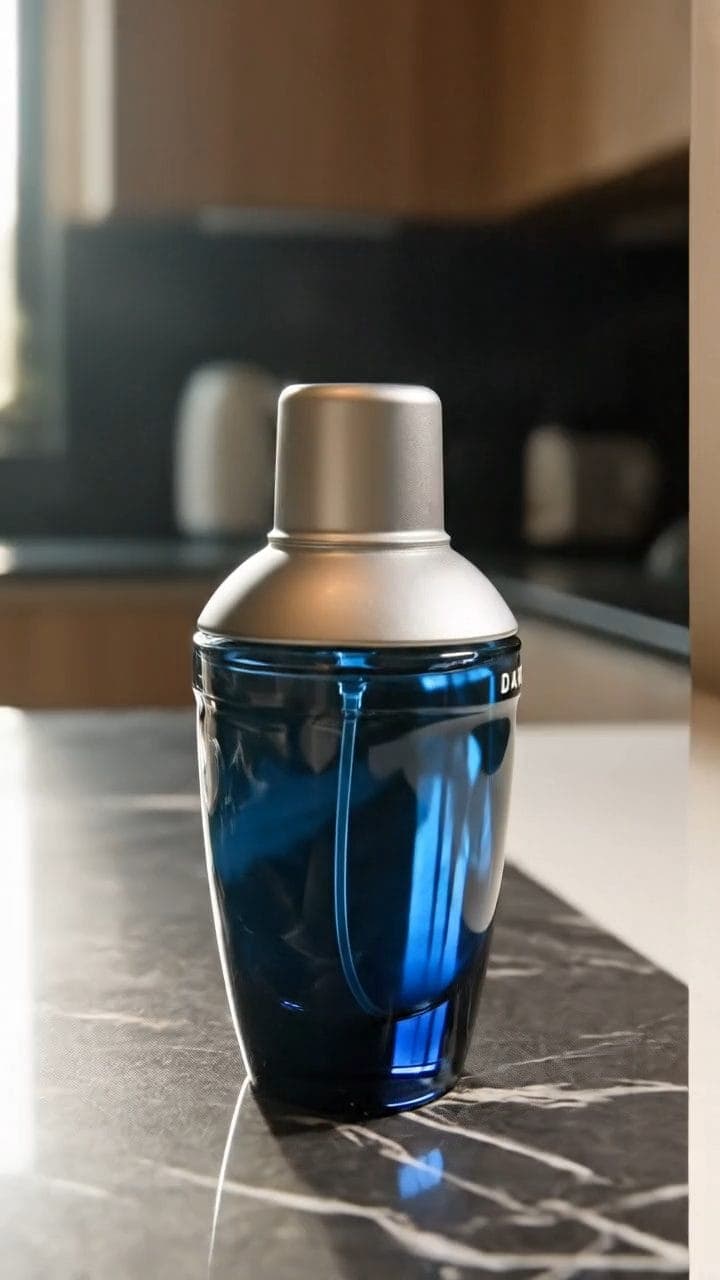
A before-and-after ad clip that shows the fix instead of claiming it.
3 viewsWorks withVeo
Prompt Locked
01
What this prompt does
- Shows the problem, then your product solving it
- Uses timed beats rather than a hoped-for cut
- Locks the camera so the change reads instantly
- Keeps people and captions out of frame
02
How to use the prompt
- 1Drop your product photo on Add start frame — it becomes frame one, so the product cannot drift
- 2Set the length to 8 seconds so both timed beats have room
- 3Swap the {{...}} lines for your problem scene and your after scene
- 4Generate, then check the cut lands at three seconds
- 5If the cut muddles, generate the two beats separately and join them in your editor
Tags#video ads#before after#veo#direct response#video
More like thisAI Images prompts
Browse all →