TestedProAI Images
Animate your product photo into an ad.
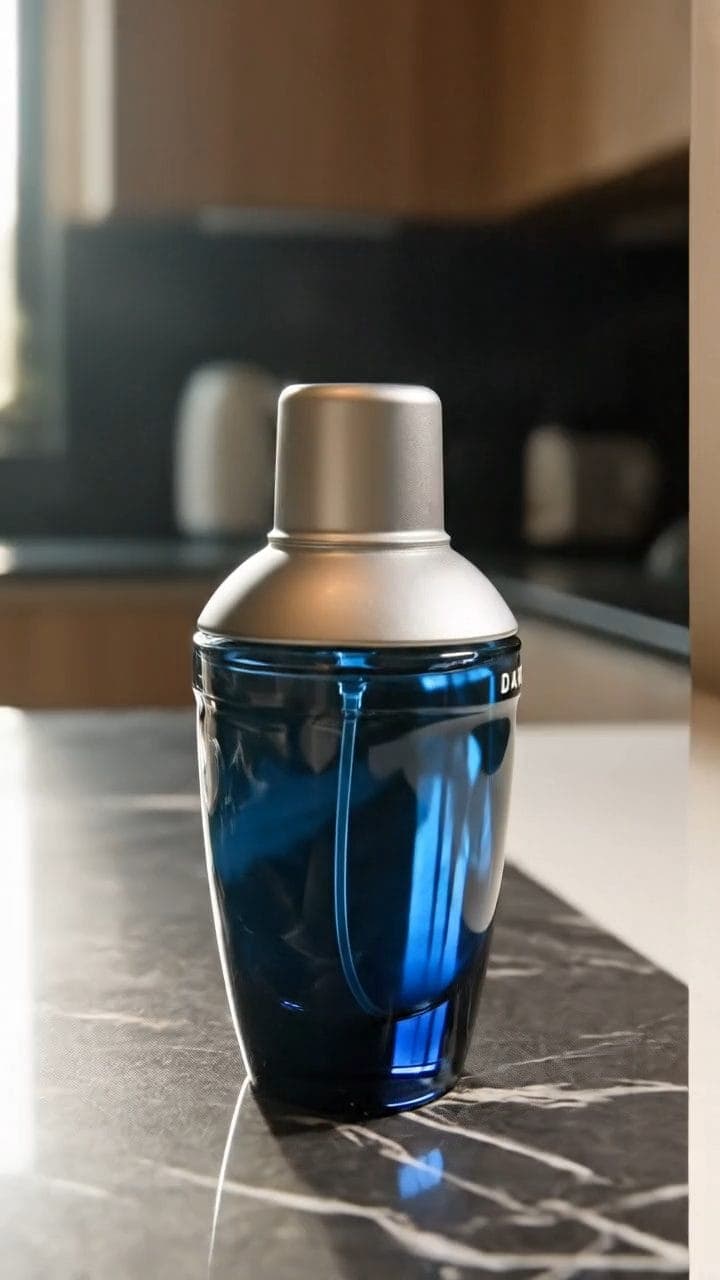
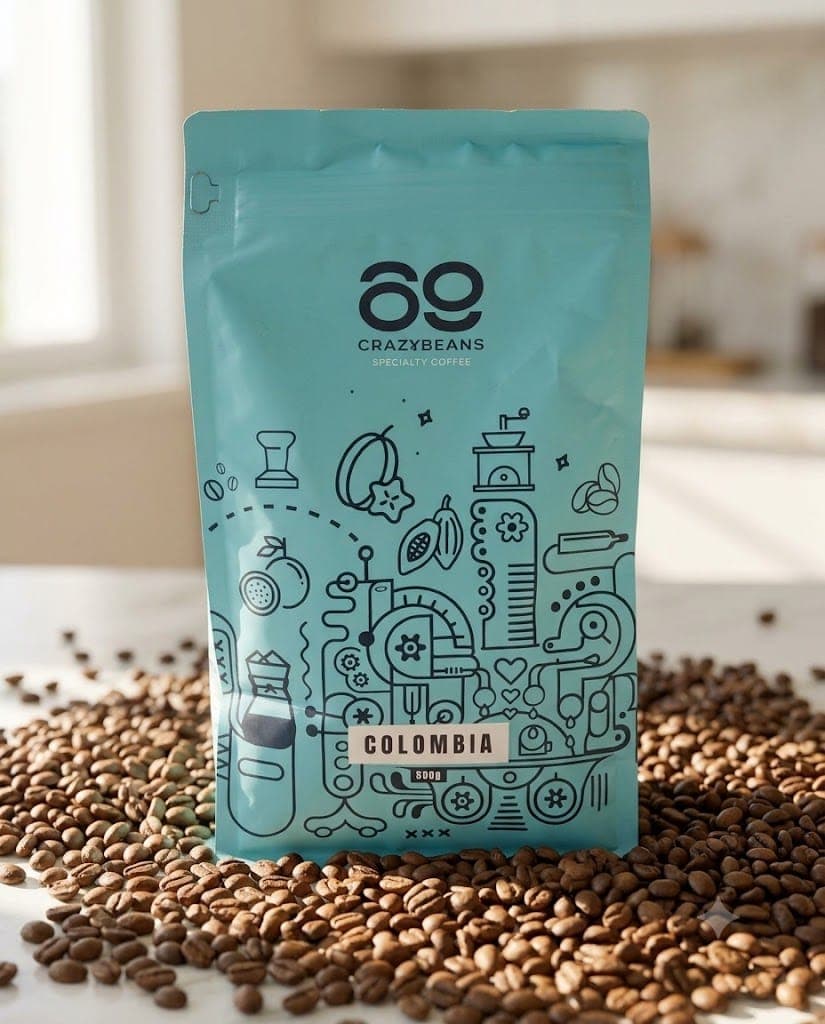
Turn the product photos you already have into moving ads.
2 viewsWorks withVeo
Prompt Locked
01
What this prompt does
- Animates a product photo you already have
- Uses your image as the literal first frame
- Adds one gentle motion, nothing else
- Blocks relighting, restyling and new objects
02
How to use the prompt
- 1Drop your finished product shot on Add start frame — this prompt is built around it
- 2Set the length to 8 seconds and the shape to match your image
- 3Swap the {{...}} lines for your one gentle motion and whether the camera moves
- 4Generate, then scrub the clip and check the product never changes
- 5Anchored to a photo, Veo goes shy with the camera — that is why the move is spelled out
Tags#video ads#image to video#veo#product photos
More like thisAI Images prompts
Browse all →