TestedProAI Images
The slow macro shot that makes your product look premium.
A slow close-up on the one detail that makes your product feel expensive.
4 viewsWorks withVeo
Prompt Locked
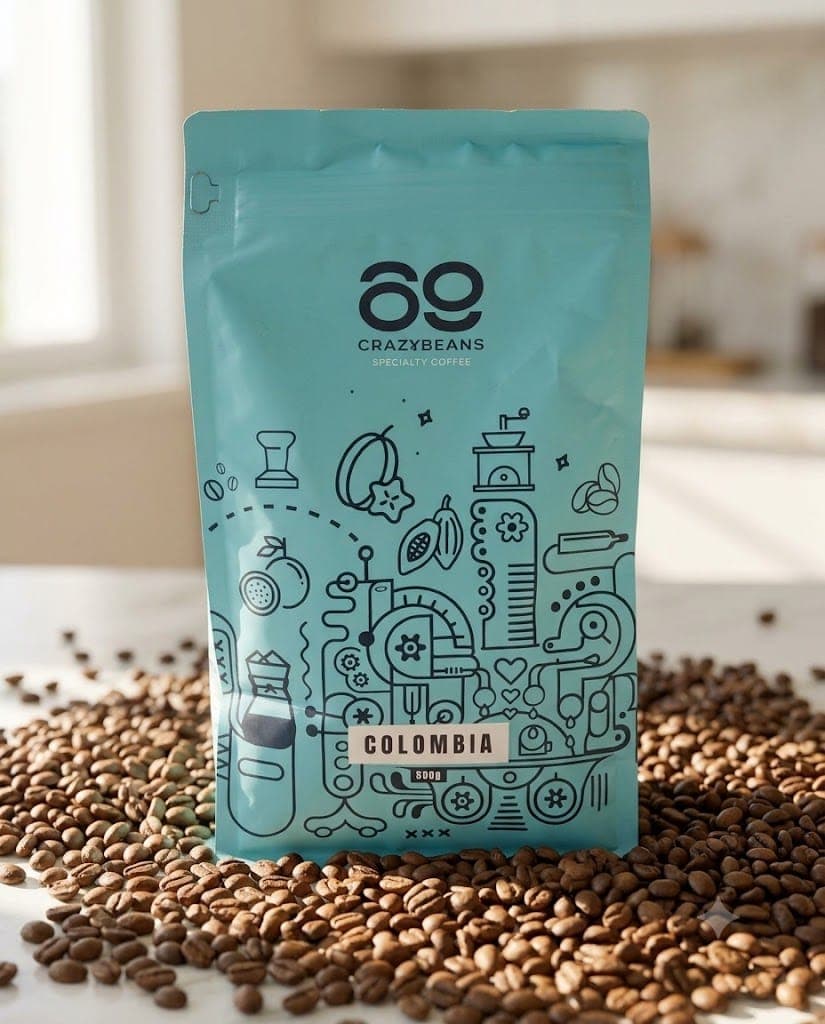
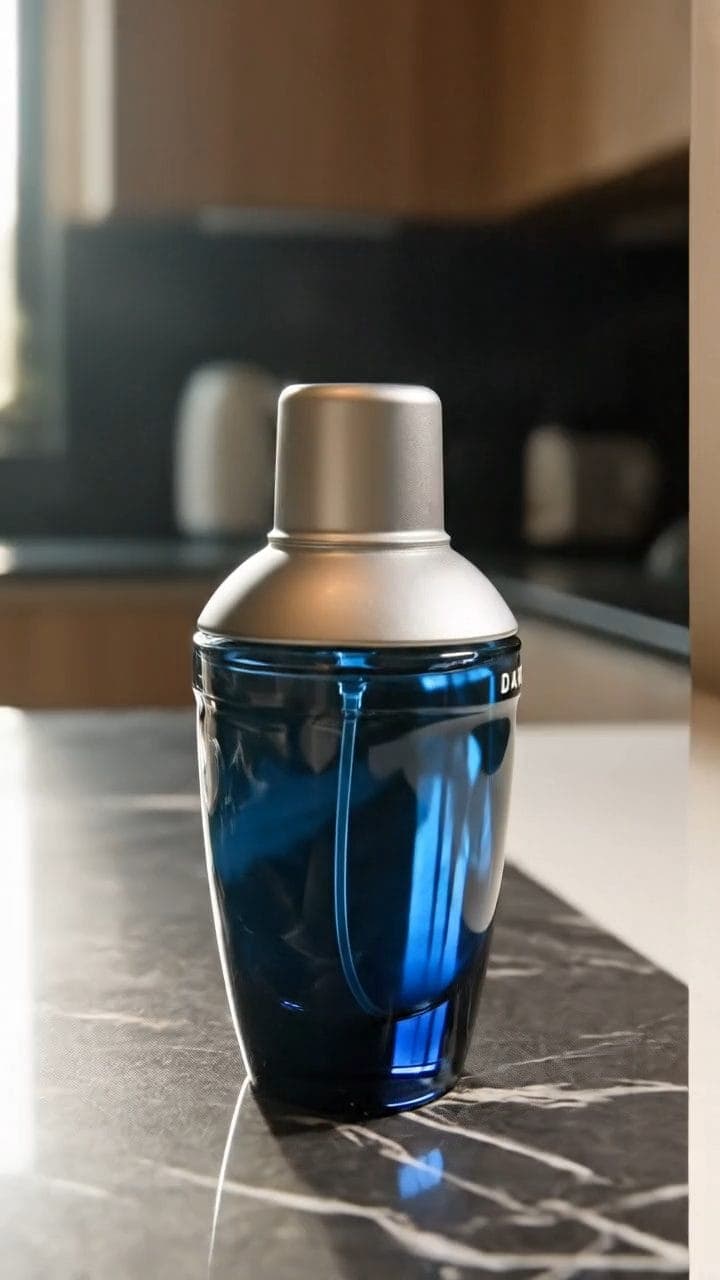
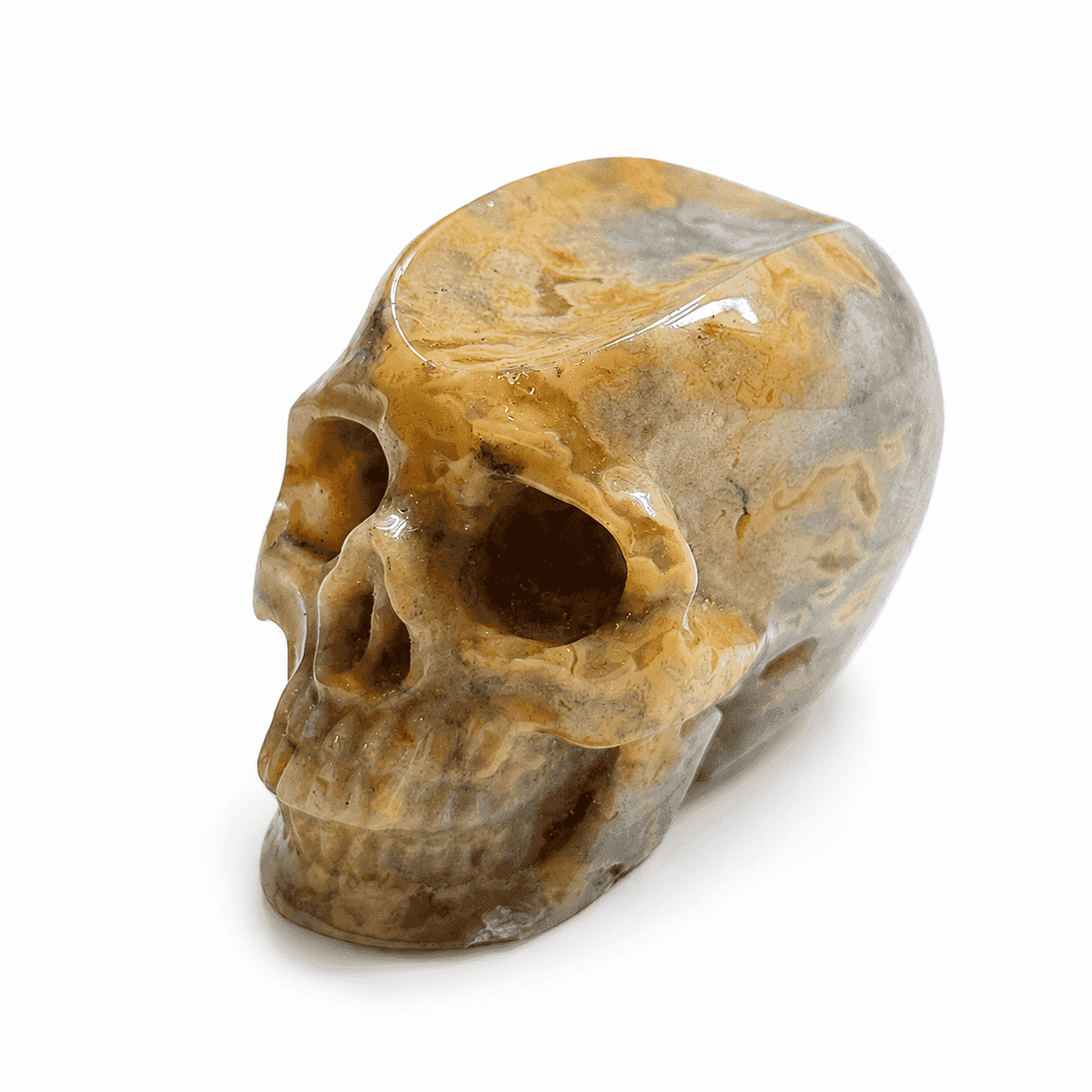
Example output
Generated with this prompt.
01
What this prompt does
- Fills the frame with the detail buyers pay for
- Drifts slowly so texture reads
- Holds the detail true to the photo you attach
- Keeps hands and stray objects out of frame
02
How to use the prompt
- 1Drop a sharp close-up of the detail on Add start frame
- 2Set the length to 8 seconds and the shape to 9:16 or 16:9
- 3Swap the {{...}} lines for your detail and its one small movement
- 4Generate, then check nothing was invented that your product does not have
- 5If the camera refuses to move, add an end frame too and let Veo arc between them
Tags#video ads#macro#veo#premium
More like thisAI Images prompts
Browse all →