TestedProAI Images
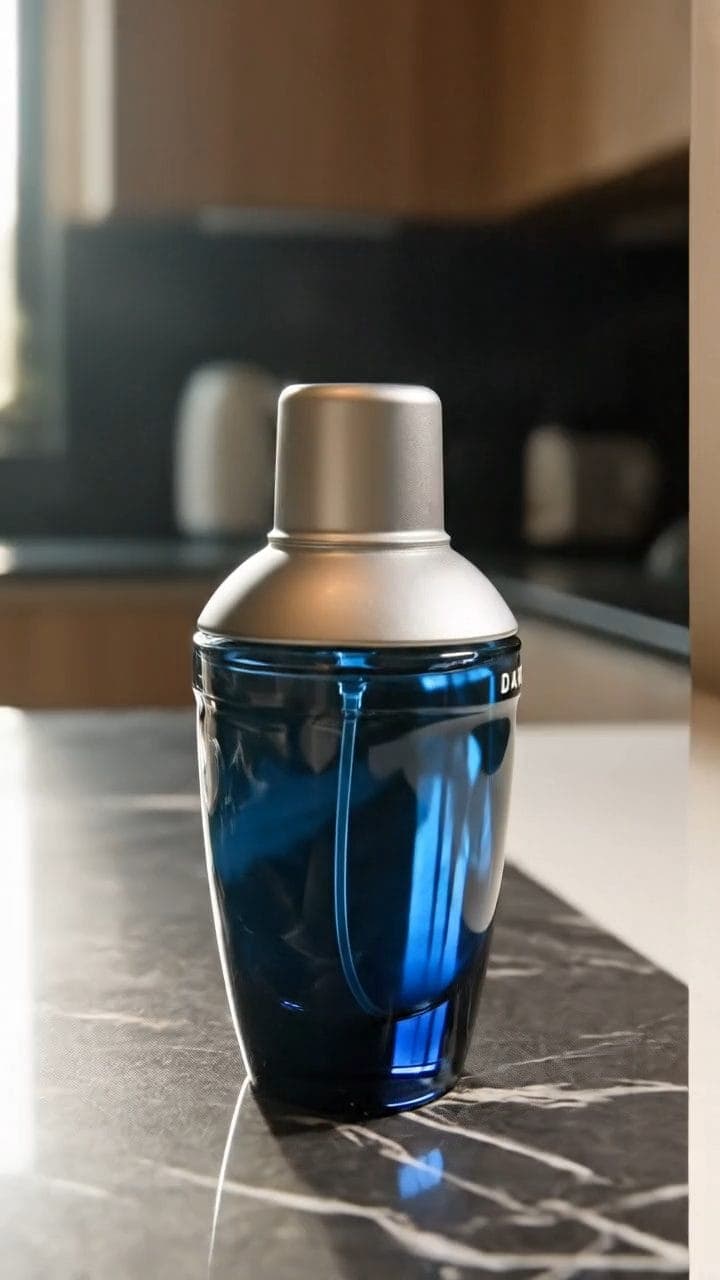
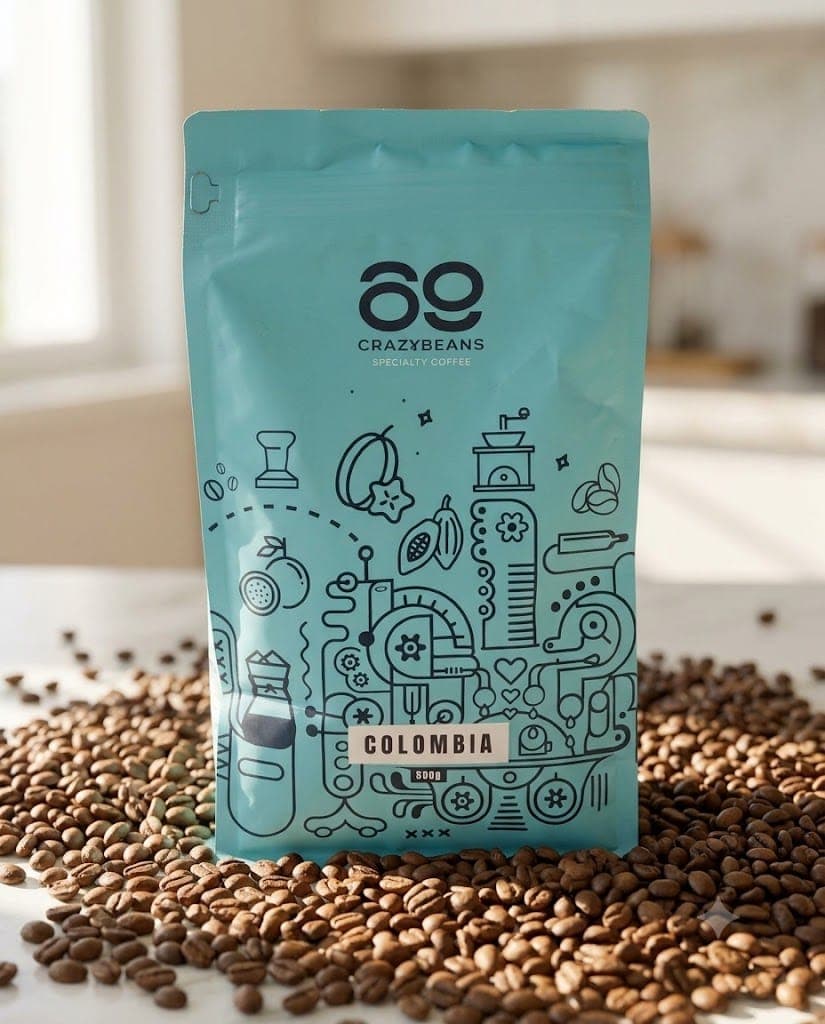
Show your product being used in real life.
Show your product in your buyer's actual life, not a studio set.
7 viewsWorks withVeo
Prompt Locked
Example result
Generate a photorealistic lifestyle video. If reference images are supported, use the attached photo of my product and keep it identical to the photo, including every word on the label.
Subject: a 330ml glass bottle of Wildroot cold-brew coffee concentrate…
01
What this prompt does
- Puts your product into a real moment
- Shows one complete use, not a montage
- Holds the product true to the photo you attach
- Keeps faces and second people out of frame
02
How to use the prompt
- 1Drop your product photo on Add start frame — it becomes frame one, so the product cannot drift
- 2Set the length to 8 seconds and the shape to 9:16
- 3Swap the {{...}} lines for your setting, the one use moment, and the sound it makes
- 4Generate, then check no face crept into frame
- 5Name the real sound of the action or Veo will score it
Tags#video ads#lifestyle#veo#in use#video
More like thisAI Images prompts
Browse all →