TestedGuideFreeAI Images
Fix garbled labels before you publish.
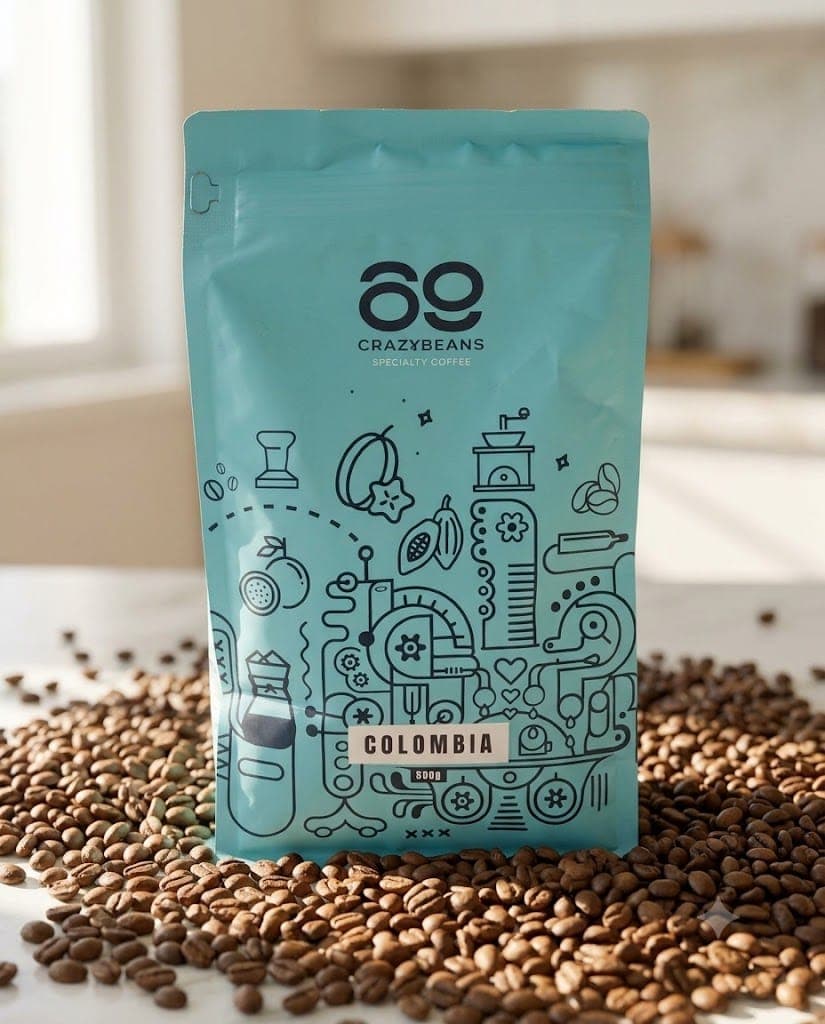
A pre-publish checklist that catches garbled labels before your customers do.
25 views
The guide Locked
01
What this guide covers
- Explains why AI garbles product labels
- Gives a six-point pre-publish checklist
- Provides a label-lock repair line
- Shows when to reframe instead of rerun
02
How to use this guide
- 1Paste the prompt into nano-banana with your product photo
- 2Zoom to full size and read every label aloud
- 3Check numbers, count fixed parts, verify the logo
- 4Rerun with the label-lock line if anything fails
- 5Angle the panel away or crop tighter when text keeps failing
Tags#labels#quality check#product photos#guide
More like thisAI Images prompts
Browse all →