Skip to content

Your first clean product shot

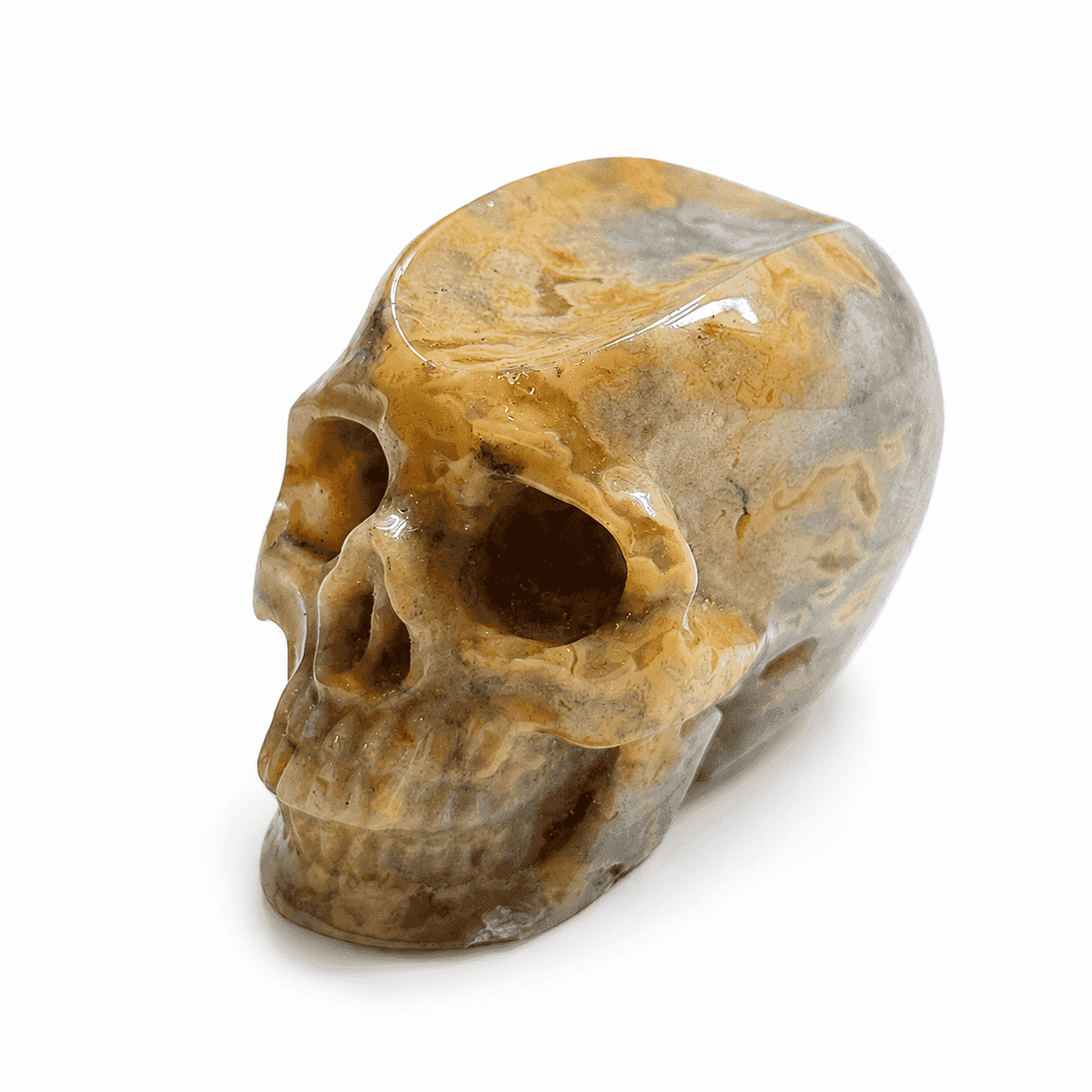
Turn one phone photo into a clean studio product shot in minutes.

3 views

Recommended tools

Nano Banana
Prompt
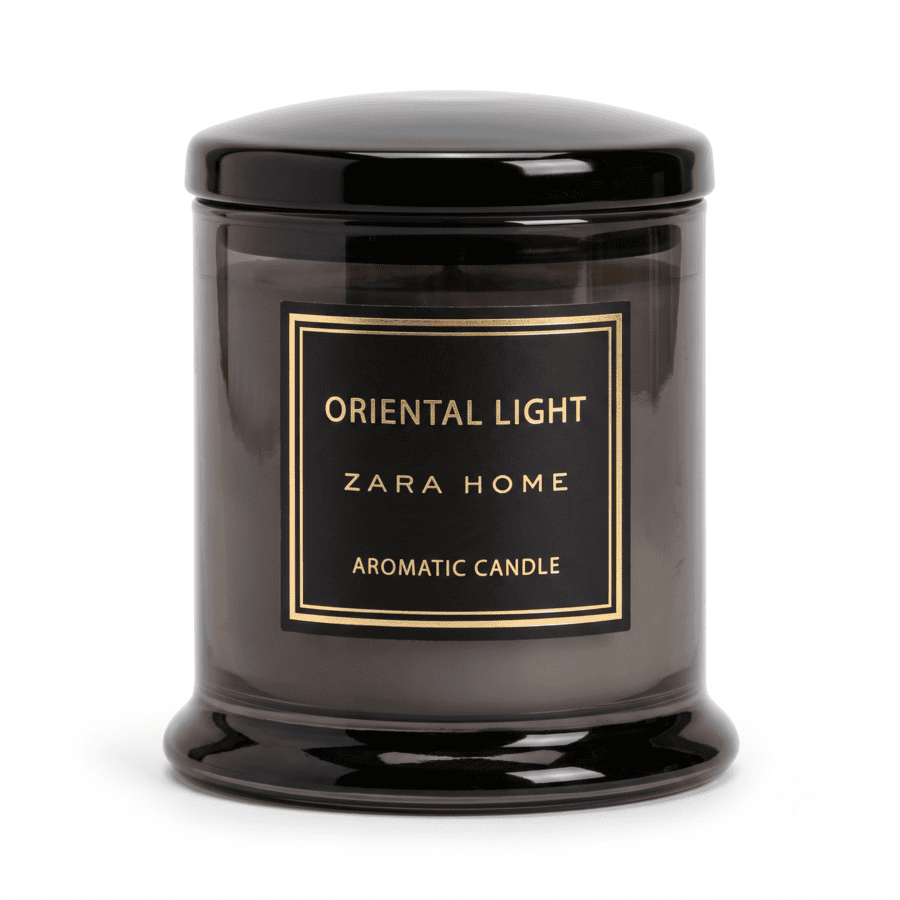
Use the attached photo of my product: {{one line describing it, e.g. a matte black candle jar with a cream label}}.

Keep the product exactly as it looks in the photo — same shape, same colours, every word on the label unchanged.

Place it on a clean {{white}} background with soft, even studio lighting and a subtle natural shadow beneath it. Product centred, front face to the camera, filling most of the frame.

Photorealistic, sharp, true colours. No props, no text, no watermark.

Square {{1:1}}.

What this prompt does

  • Converts a phone photo into a studio shot
  • Keeps your label word for word
  • Grounds the product with a real shadow
  • Works on the free Gemini tier

Why it works

Editing your real photo beats generating a lookalike. The preservation line keeps the product yours.

Tips for this prompt

  • A sharp source photo does half the work
  • Swap white for any plain colour you like
  • Rerun once before blaming the prompt
  • Compare against the real product before posting

How to use the prompt

  • Photograph your product in plain daylight
  • Attach it and describe the product in one line
  • Run the prompt in Gemini
  • Zoom in and read the label
AI Imagesproduct photosstarterwhite backgroundimages