TestedFreeAI Images
Your first clean product ad clip.
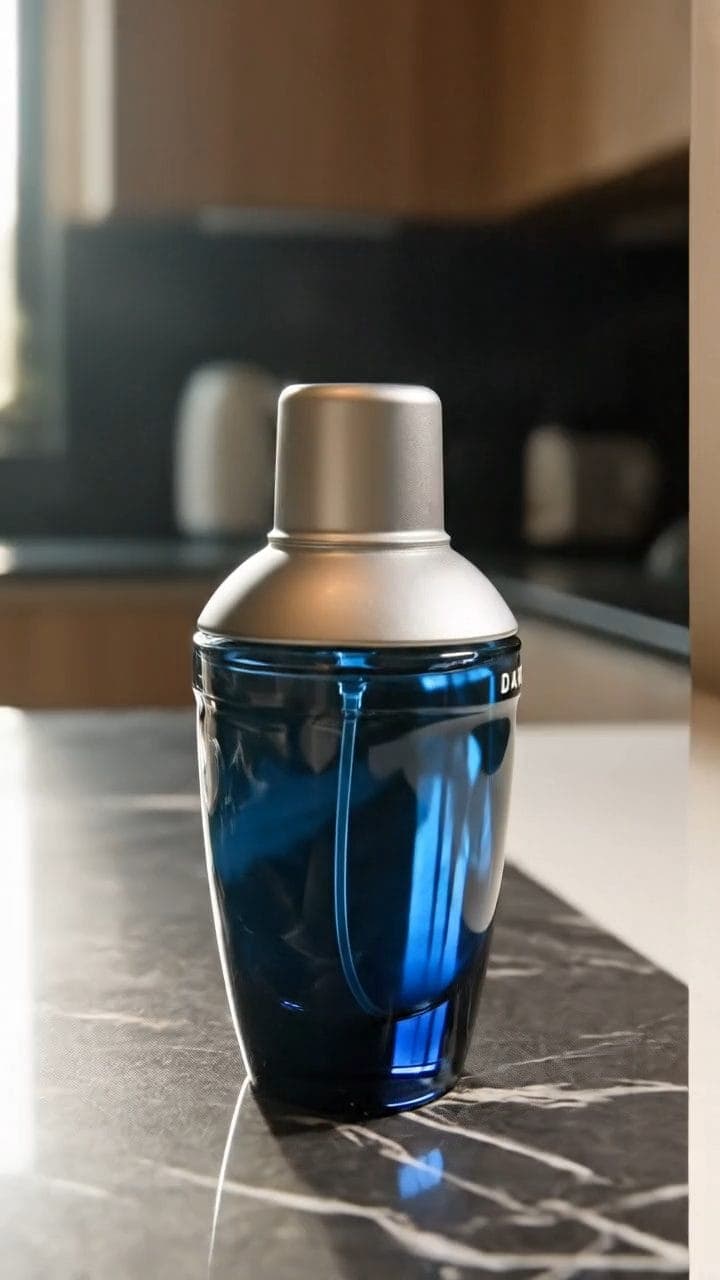
One simple prompt that turns your product photo into a clean video clip.
14 viewsWorks withVeo
Prompt Locked
01
What this prompt does
- Turns one product photo into a clean video clip
- Pushes in until the label fills the frame
- Holds the product true to the photo you attach
- Blocks text, props and people
02
How to use the prompt
- 1Drop your product photo on Add start frame — it becomes frame one, so the product cannot drift
- 2Set the length to 8 seconds and the shape to 9:16
- 3Swap the {{...}} lines for your product, its surface and the room sound
- 4Generate once, then pause the final frame and read the label
- 5A push-in is the most reliable move there is — good first prompt
Tags#video ads#veo#starter#product video#video
More like thisAI Images prompts
Browse all →