TestedProAI Images
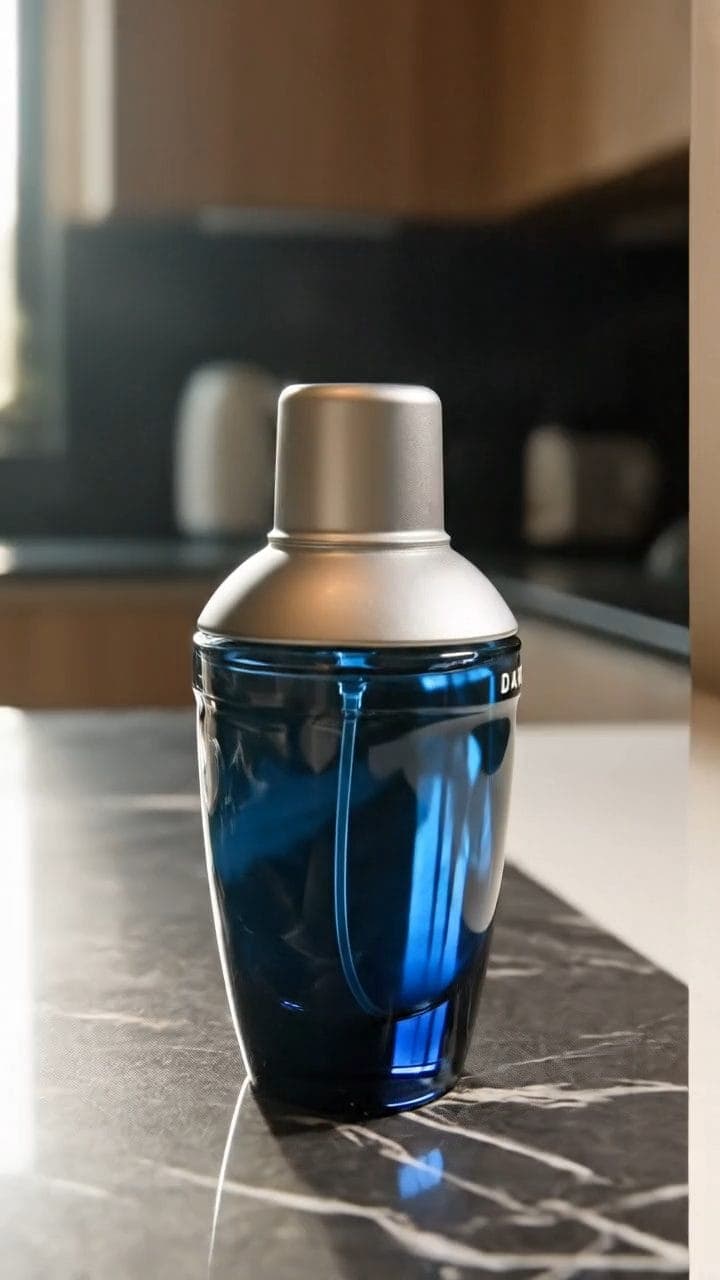
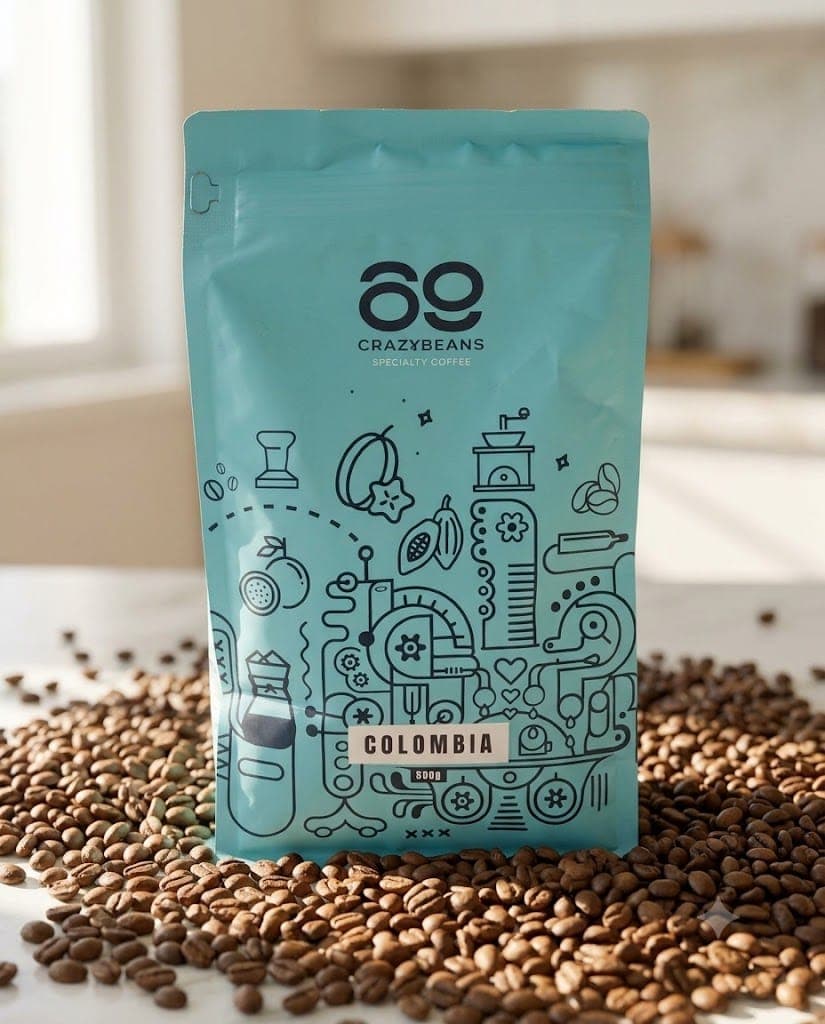
Closing clip with space for your offer.
A clean closing clip with reserved space for your own offer text.
2 viewsWorks withVeo
Prompt Locked
01
What this prompt does
- Lands your product and holds it perfectly still
- Reserves clean, evenly lit space for your offer
- Keeps every kind of lettering out of the frame
- Cuts together with the rest of your ad
02
How to use the prompt
- 1Drop your product photo on Add start frame — it becomes frame one, so the product cannot drift
- 2For an exact landing position, set your composed still as the end frame as well
- 3Set the length to 8 seconds and the shape to match the rest of your ad
- 4Add your offer and call to action in your editor, in the empty area
- 5Length is 4, 6 or 8 seconds — there is nothing in between
Tags#video ads#end card#veo#cta
More like thisAI Images prompts
Browse all →